Samsung Galaxy Tab S12 Ultra Review: Is It the Ultimate Android Tablet?
Verdict
Comprehensive Analysis of the Galaxy Tab S12 Ultra
Introduction, specs, unboxing
Introduction
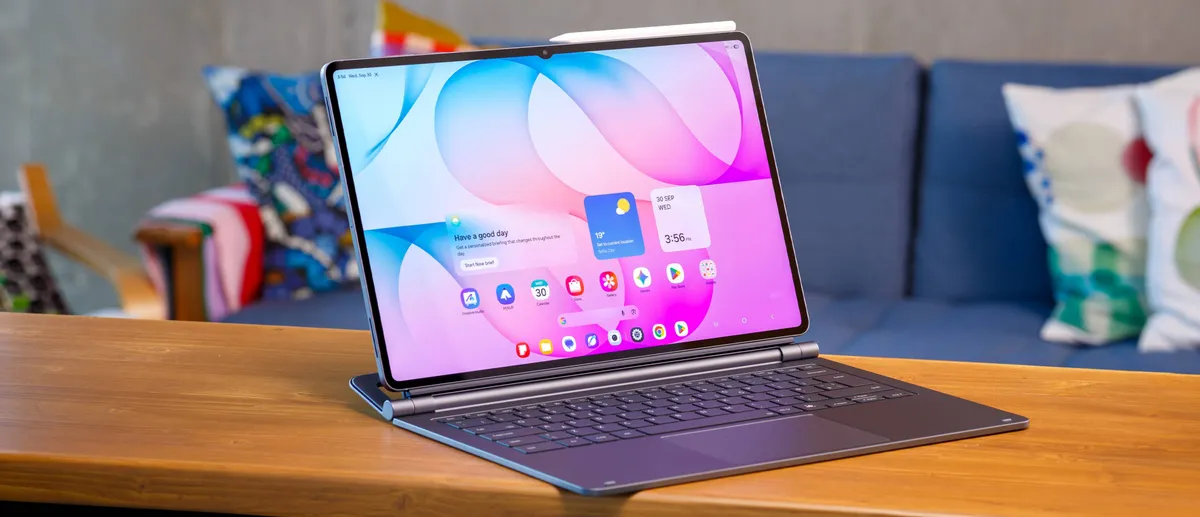
Samsung's behemoth of a tablet has returned for its annual refresh, and the results are striking. The Galaxy Tab S12 Ultra arrives with a refined chipset, superior thermal management, an updated connectivity stack, and a suite of AI-driven tools integrated into the latest Android iteration.
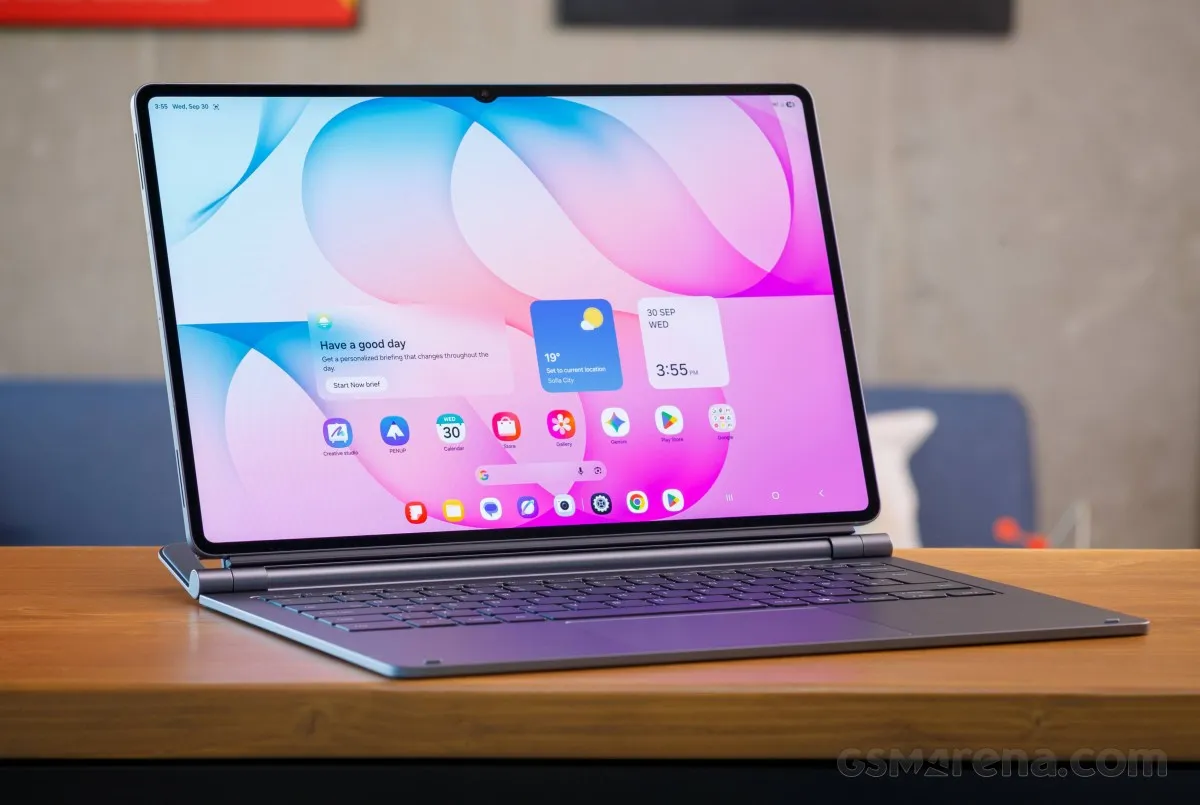
Encased in an ultra-slim metal chassis, the device is dominated by a colossal 14.6-inch AMOLED panel. This screen delivers a crisp 1848 x 2960 resolution, a fluid 120Hz refresh rate, and HDR10+ compatibility. To ensure productivity is ready out of the box, Samsung continues to bundle the S Pen stylus.
Durability is also a key highlight, as the Tab S12 Ultra remains a rarity in the tablet world by maintaining its IP68 certification for water and dust resistance.
Under the hood, the tablet is powered by the Dimensity 9500. This silicon represents a significant leap over the Dimensity 9400+, boasting a 19% increase in CPU speed, a 17% bump in GPU performance, and a massive 61% surge in NPU capabilities for AI tasks.
For imaging, Samsung utilizes a dual-lens rear array consisting of a 13MP wide primary sensor and an 8MP ultrawide lens. On the front, a 12MP ultrawide camera handles everything from selfies to professional video conferencing.
Endurance is provided by a substantial 11,600mAh battery, which can be replenished via 45W wired fast charging.
Positioned as a high-end productivity hub, the Tab S12 Ultra leverages One UI 9 (based on Android 17), the optional Pro Keyboard, and the desktop-like Samsung DeX experience to bridge the gap between tablet and PC.
Samsung Galaxy Tab S12 Ultra specs at a glance:
- Body: 326.3x208.5x5.1mm, 692g; Glass front, aluminum frame, aluminum back; IP68 dust tight and water resistant (immersible up to 1.5m for 30 min), Stylus support, Enhanced Armor Aluminum.
- Display: 14.60" Dynamic AMOLED 2X, 120Hz, HDR10+, 1000 nits (HBM), 1600 nits (peak), 1848x2960px resolution, 14.42:9 aspect ratio, 239ppi.
- Chipset: MediaTek Dimensity 9500 (3 nm).
- Memory: 256GB 12GB RAM, 512GB 12GB RAM, 1TB 16GB RAM; UFS 4.x; microSDXC (dedicated slot).
- OS/Software: Android 17, up to 7 major OS updates, One UI 9.
- Rear camera: Wide (main): 13 MP, f/2.0, 26mm, 1/3.4", 1.0µm, AF; Ultra wide angle: 8 MP, f/2.2.
- Front camera: 12 MP, f/2.4, 120˚ (ultrawide).
- Video capture: Rear camera: 4K@30fps, 1080p@30fps; Front camera: 4K@30fps, 1080p@30fps.
- Battery: 11600mAh; 45W wired, 100% in 95 min.
- Connectivity: 5G; eSIM; Wi-Fi 7; BT 6.0.
- Misc: Fingerprint reader (under display, optical); stereo speakers (4 speakers); Wireless Samsung DeX (desktop experience support).
While the Galaxy Tab S12 Ultra is an engineering marvel, Samsung's insistence on keeping the display notch for the front-facing camera is a point of contention. Though minimal in size, it remains a distracting element on an otherwise flawless canvas.
Unboxing the Galaxy Tab S12 Ultra
The tablet arrives in a minimalist white box. Upon opening, you'll find the device itself, the signature hexagonal S Pen, and a 3A USB-C cable.
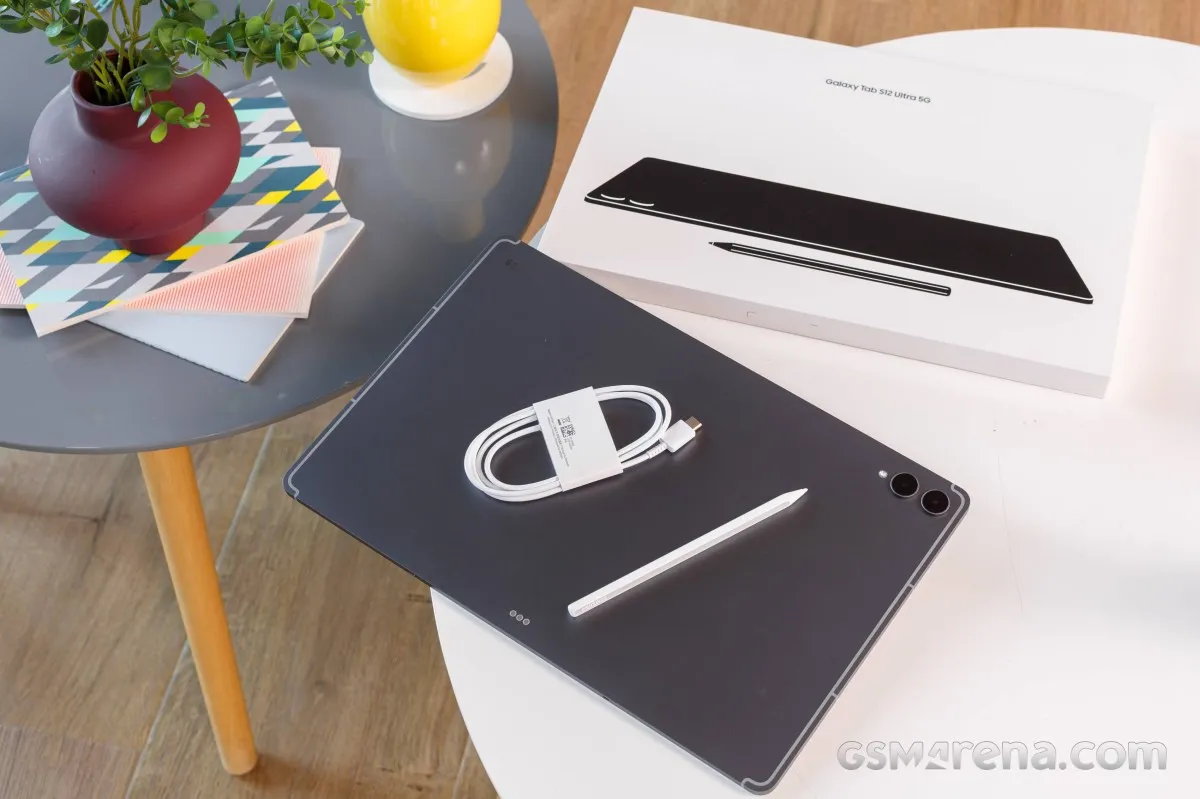
It is worth noting that while the hardware is capable of 45W charging, Samsung has omitted the power brick from the retail package.
Design, build quality, handling
Aesthetics, Construction, and Ergonomics
With the Galaxy Tab S12 Ultra, Samsung has opted for continuity over radical change. The device maintains its identity as a massive, sophisticated slab, featuring a sleek aluminum unibody that measures a mere 5.1mm in thickness. Notably, it retains an IP68 rating for water and dust resistance—a premium durability standard that remains rare in the tablet market.
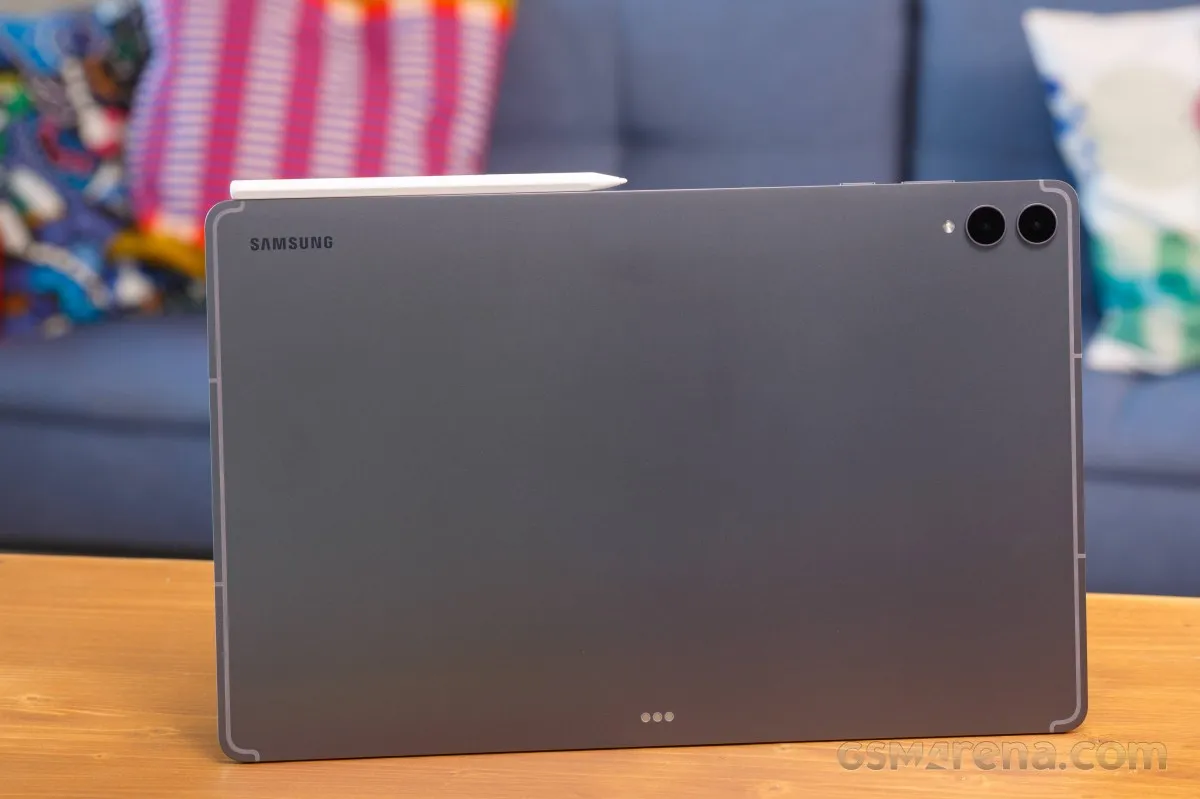
The chassis is forged from "enhanced Armor Aluminum," the same high-grade material found in Samsung's flagship S-series phones. This alloy is engineered for superior hardness, better anodization, and increased resistance to bending. That said, despite its rugged build, we wouldn't recommend testing its limits by dropping it onto concrete.
Samsung has remained tight-lipped regarding the specific manufacturer of the display glass.
Consumers can choose between two sophisticated colorways: silver or the dark gray option we tested.
Looking closer at the hardware details:
The face of the tablet is dominated by a sprawling 14.6-inch Dynamic AMOLED 2X panel. It's a laptop-scale experience framed by symmetrical, ultra-thin bezels and full S Pen integration.
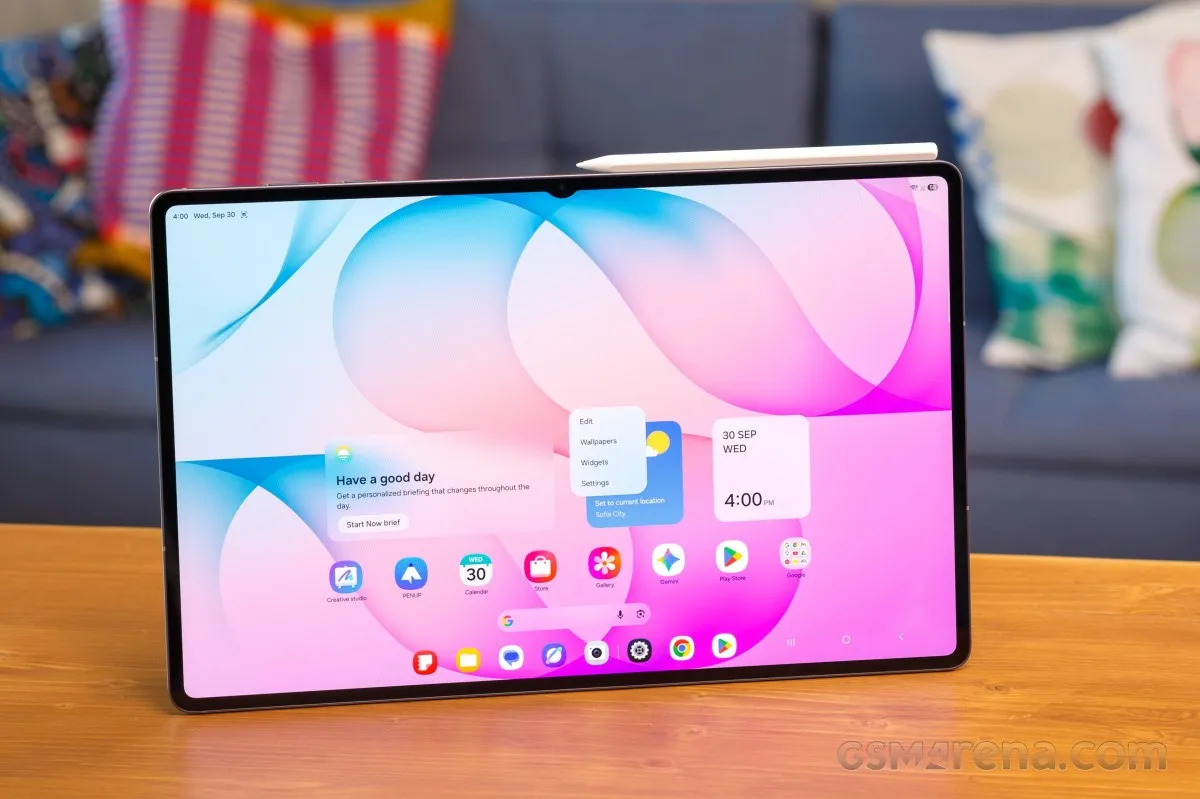
One lingering design compromise is the small, wide notch used for the front-facing cameras—a visual distraction that Samsung continues to employ on its top-tier slate.
In a welcome move for productivity, the S12 Ultra features an integrated optical fingerprint sensor beneath the glass, which operates with impressive speed and precision.
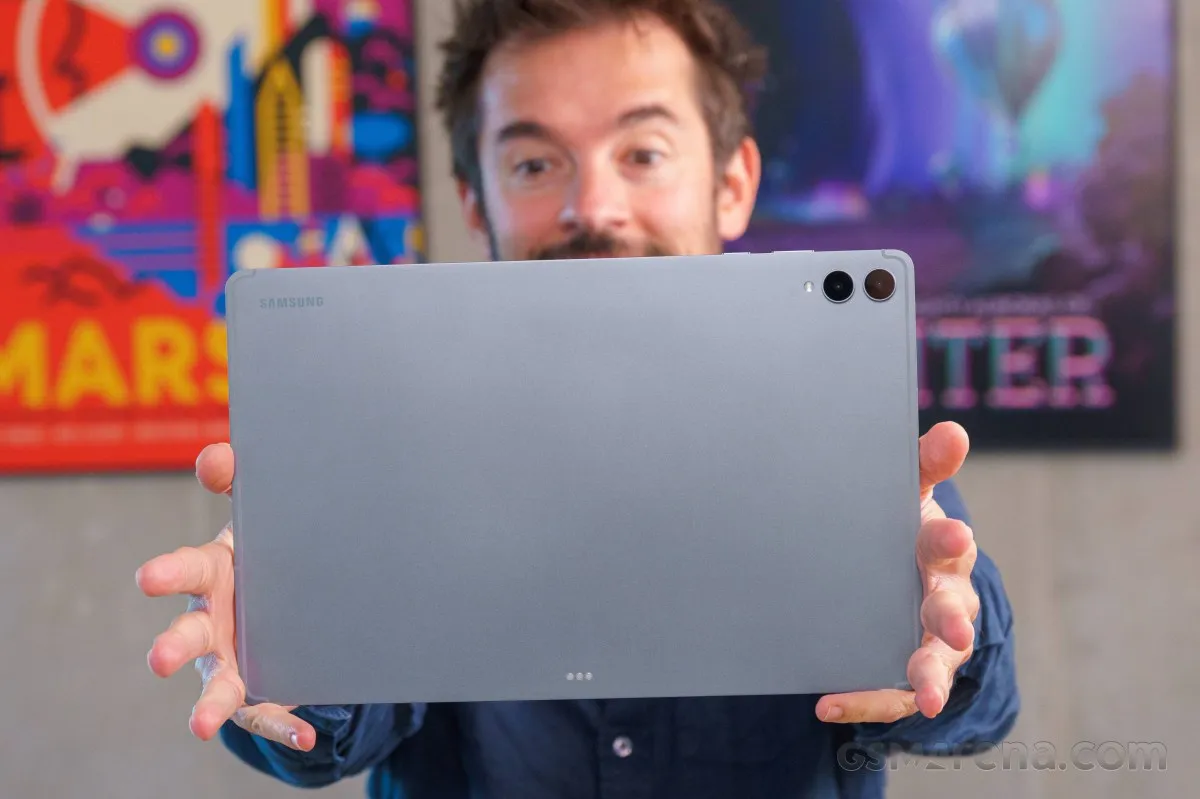
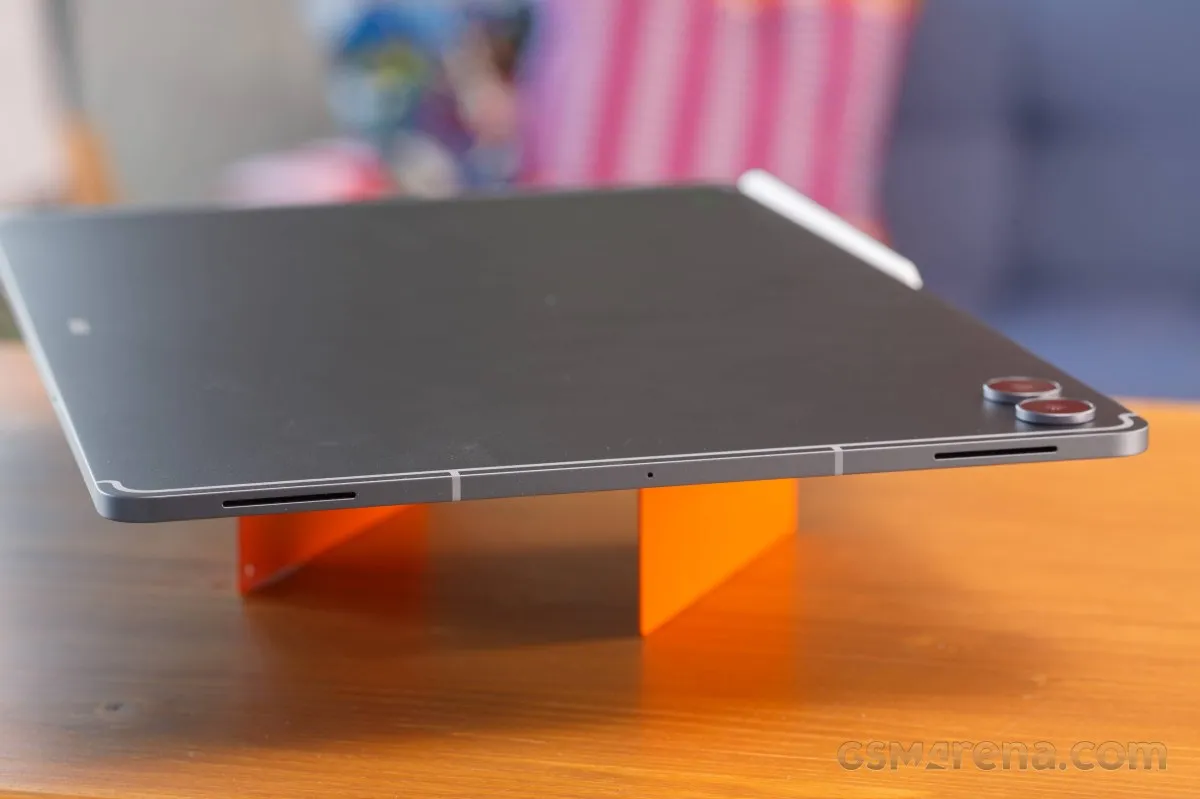
The rear is a study in minimalism, characterized by clean lines, subtle antenna bands, and an LED flash accompanying two protruding camera lenses (which add slightly to the 5.1mm base thickness).
Magnetic pogo pins are visible on the back, facilitating a seamless connection with either the Pro Keyboard or the Slim Keyboard accessories.
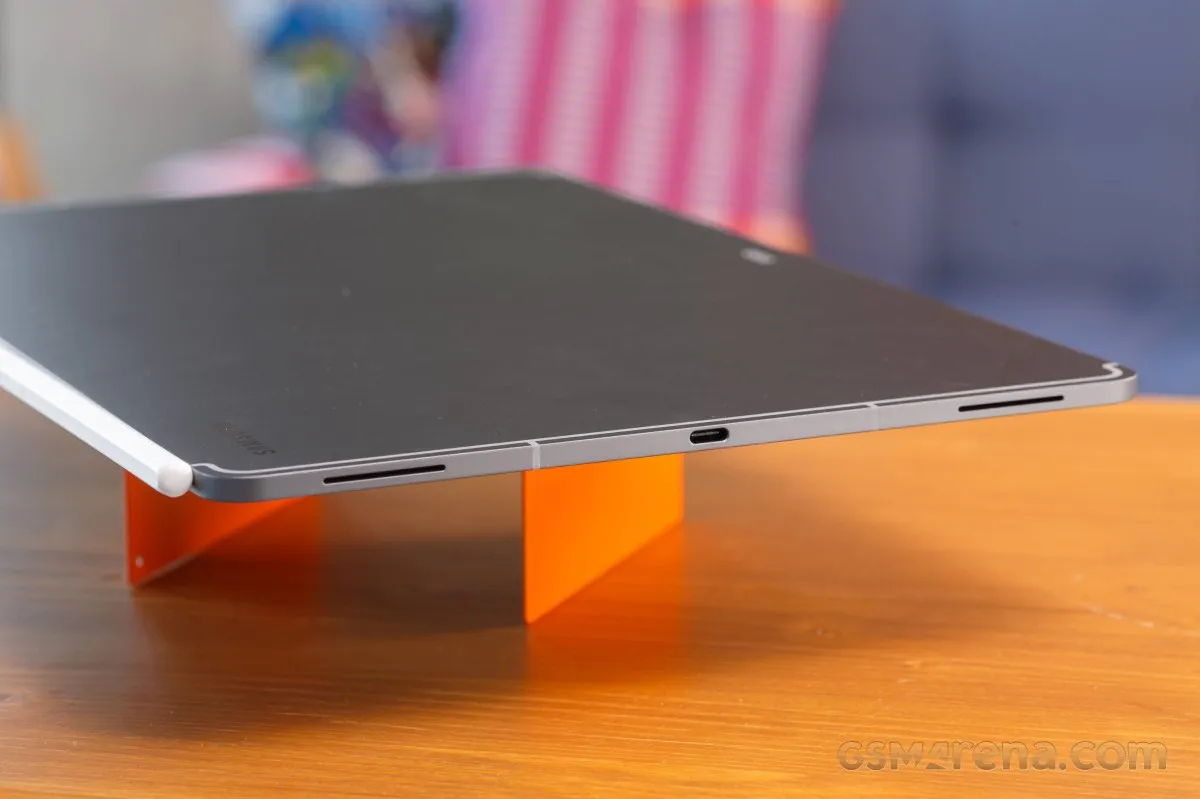
The shorter edges are utilized for the USB-C charging port, a microphone, and a quad-speaker array that delivers immersive 4-channel audio.
Along the upper long edge, you'll find the volume and power controls, dual microphones, and a tray for a nano-SIM (on 5G models) and microSD expansion. This edge also hides a magnetic docking point for the S Pen.
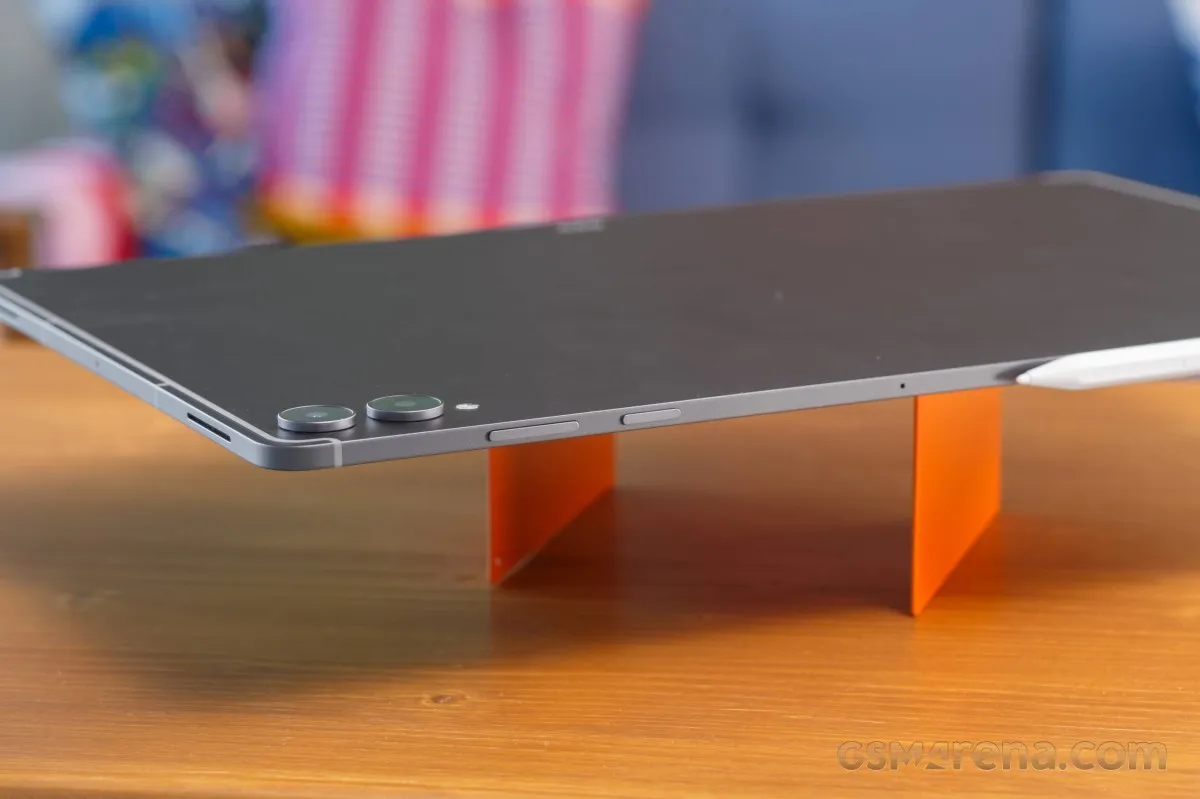
Alternatively, the S Pen can be magnetically attached to the bottom edge, which also contains the connection points for the official keyboard cases.
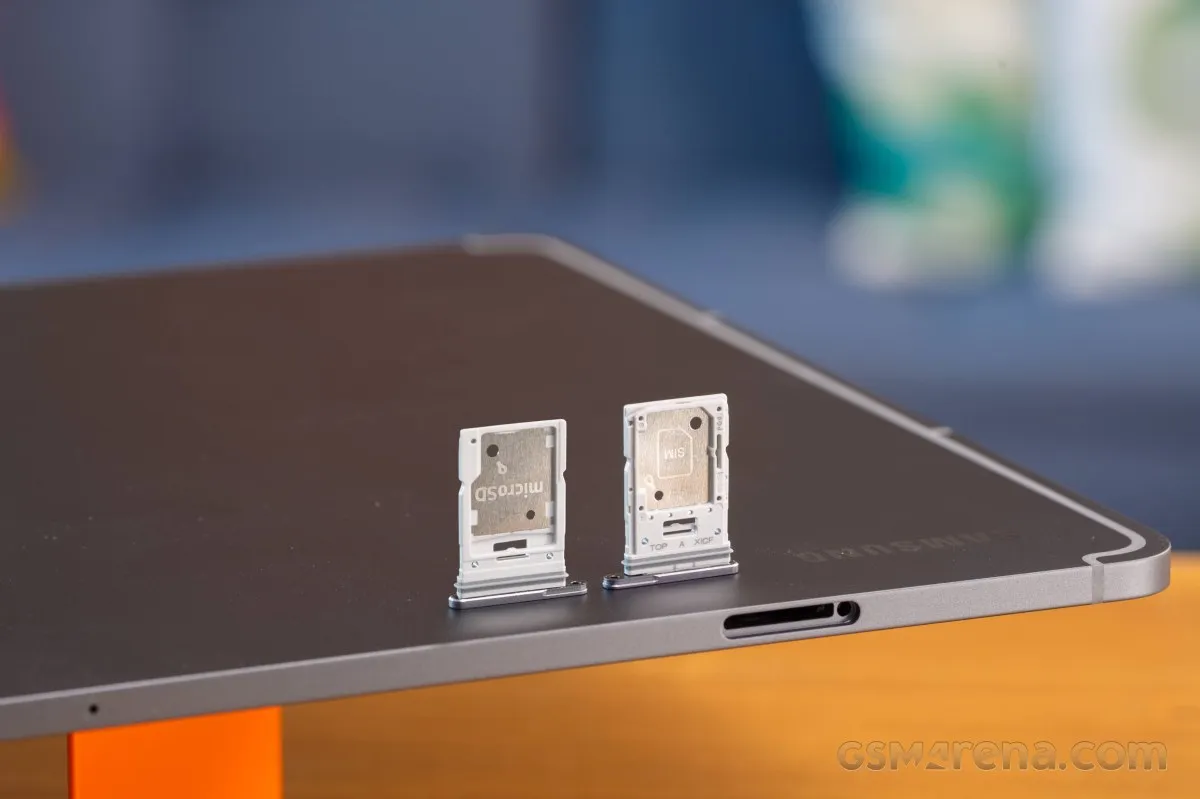
Physically, the Galaxy Tab S12 Ultra spans 326.3 x 208.5 x 5.1 mm and tips the scales at approximately 695 grams. While its footprint is substantial, it remains significantly more portable and lighter than any traditional laptop.
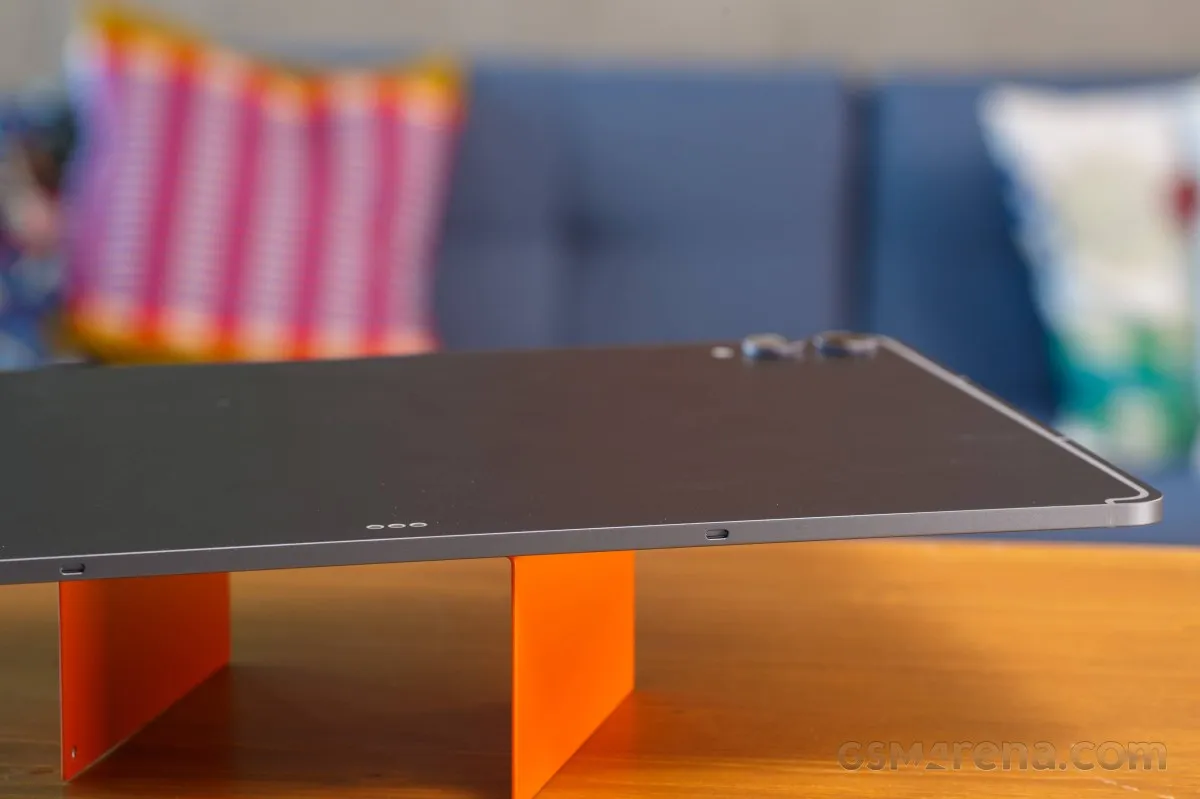
While the sheer scale of the S12 Ultra can feel cumbersome during the first few minutes of use, the ergonomics quickly become intuitive. The massive screen is a productivity powerhouse, and the overall build is not only premium but also surprisingly resistant to fingerprints and smudges.
The Samsung Pro Keyboard
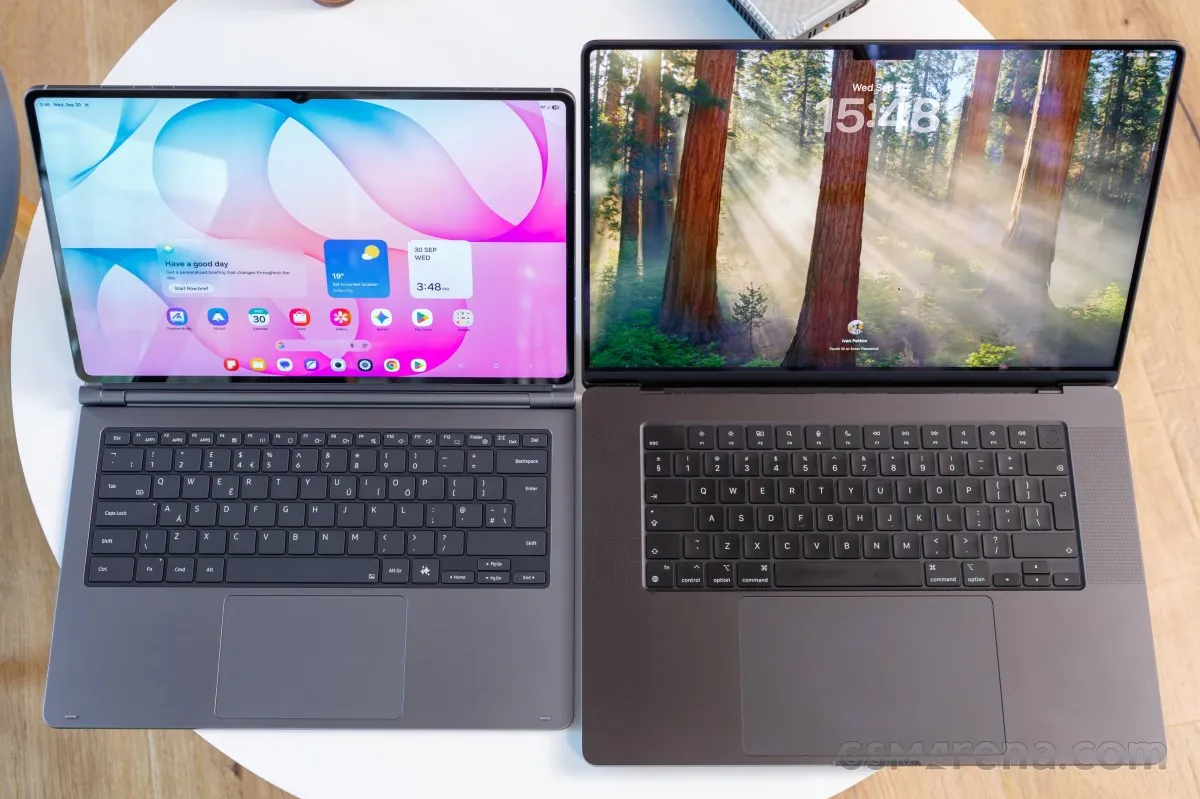
We also had the opportunity to test the official Pro Keyboard, and it is an absolute standout accessory.
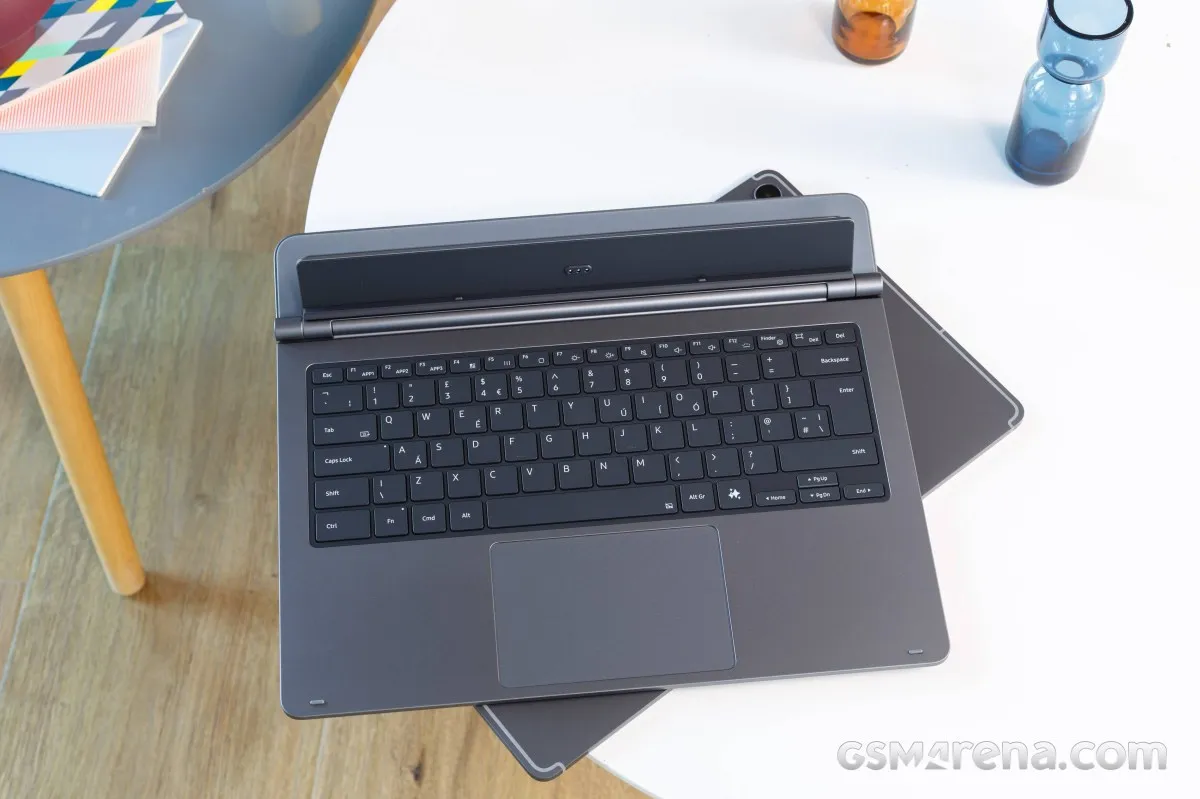
Beyond its typing capabilities, the accessory doubles as a protective cover for the display, snapping into place with a secure grip that eliminates any fear of accidental detachment.
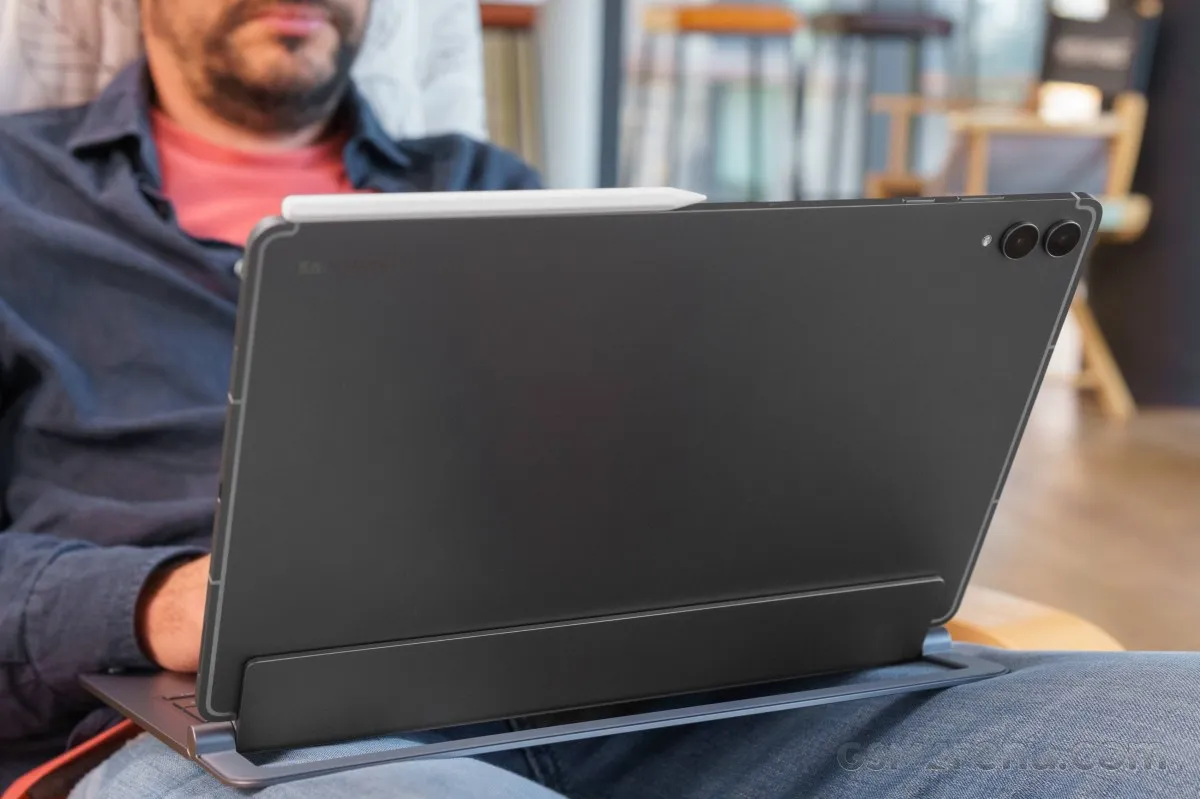
It also functions as a highly flexible and intuitive stand, allowing for various viewing angles.
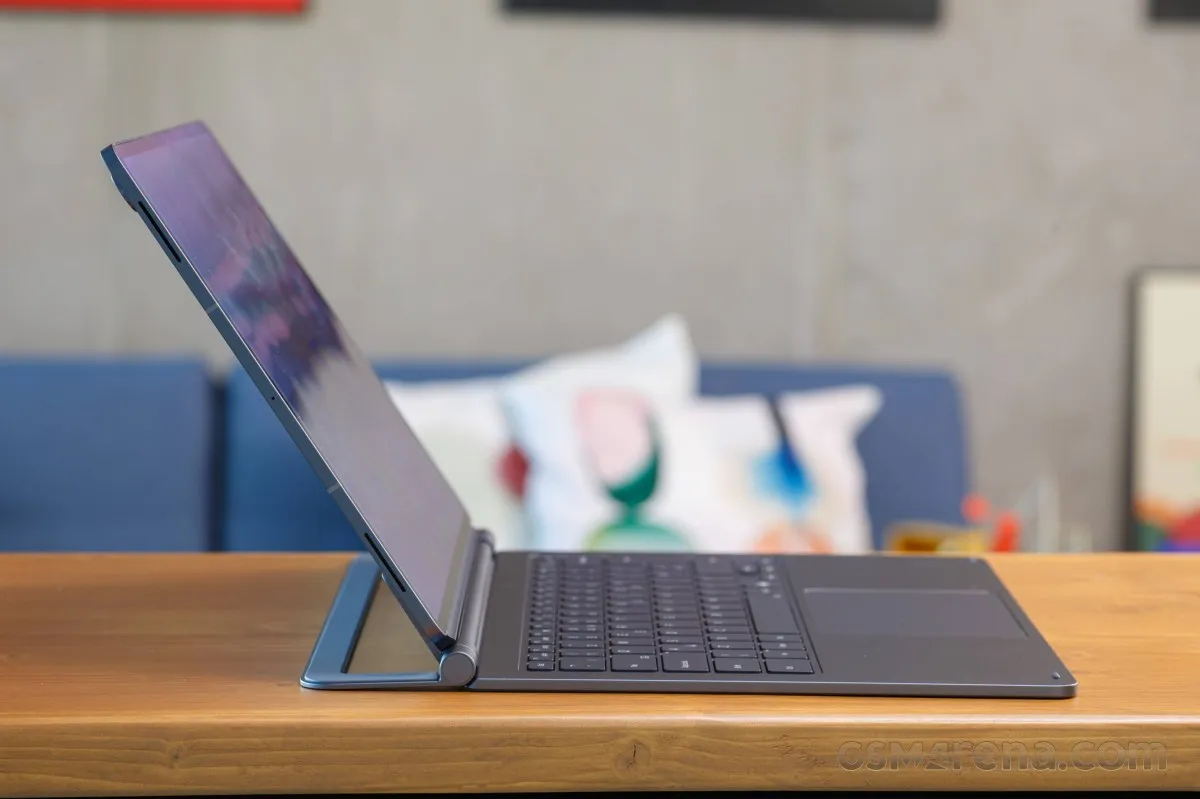
The typing experience is truly laptop-grade, featuring a backlit, standard 6-row layout complete with dedicated AI and DeX keys. With generous key travel and tactile feedback, paired with a spacious trackpad, it transforms the tablet into a legitimate workstation.
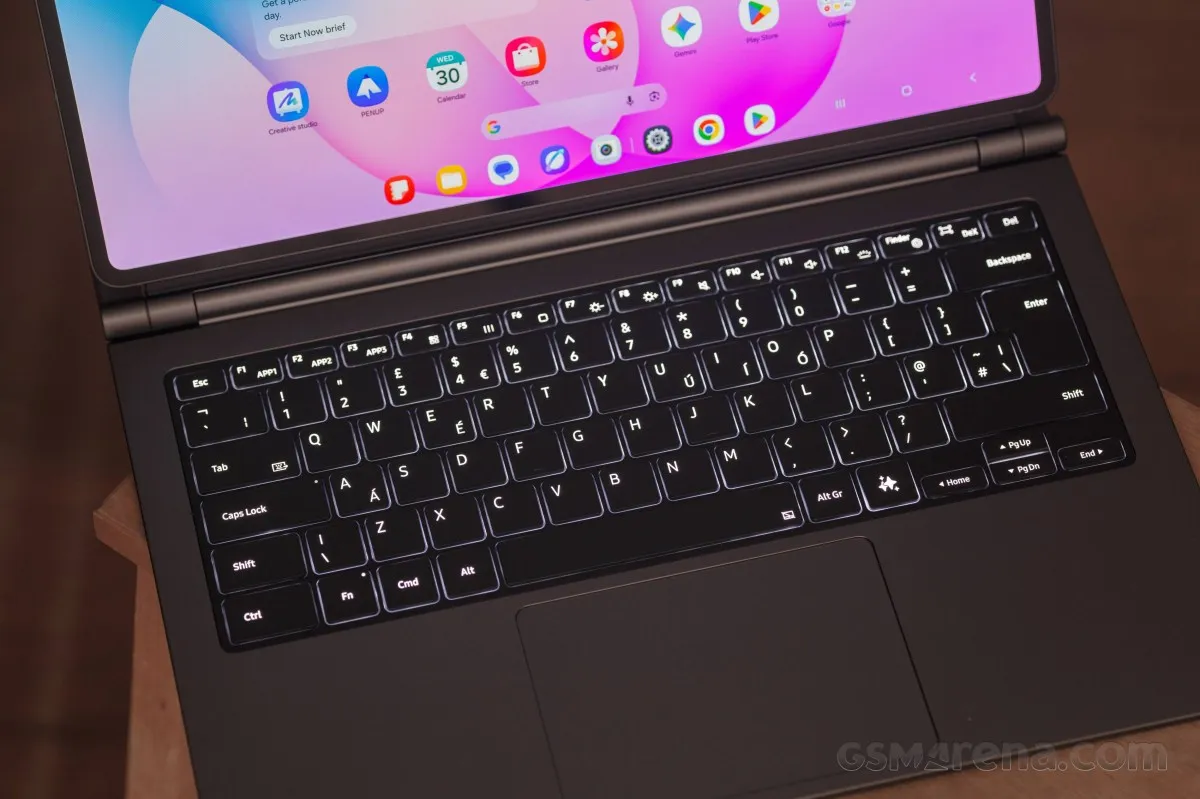
Users will find the trackpad generously sized and ergonomic, featuring a tactile and satisfying click mechanism.
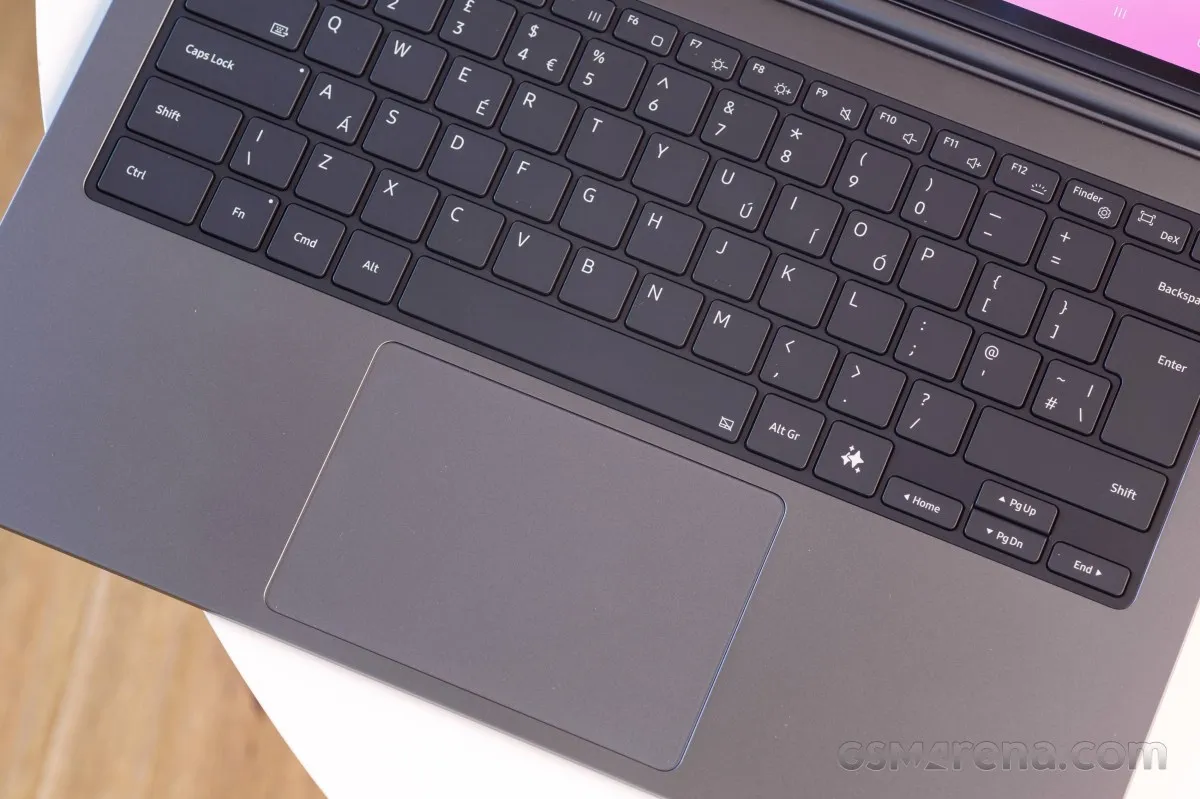
Rather than relying on Bluetooth, this keyboard connects exclusively through the tablet's pogo pins. However, when paired with the versatility of DeX mode, this accessory transforms the device into a productivity powerhouse that could realistically replace a traditional laptop.
Our lab tests - display, battery life, charging speed, speakers
Display
Samsung has equipped the Galaxy Tab S12 Ultra with a massive 14.6-inch Dynamic AMOLED 2X panel. This screen boasts a resolution of 2,960 x 1,848 pixels, resulting in a pixel density of 239ppi and a 16:10 aspect ratio. To ensure fluid visuals, it supports a 120Hz refresh rate and is HDR10+ certified.
Visually, the device maintains a modern aesthetic with slim bezels and a discreet notch housing the front-facing camera.
Outdoor visibility is a primary selling point for this tablet. While Samsung claims a maximum automatic brightness of 1,000 nits and a peak of 1,600 nits, our real-world testing provided a more nuanced picture.
When manually adjusting settings with "Extra Brightness" toggled on, we clocked a maximum of 708 nits; without this enhancement, the ceiling drops to 437 nits.
In automatic mode, the tablet delivers exactly what the manufacturer promised, hitting 1,031 nits. Furthermore, our measurement of a 10% white patch revealed a peak brightness of 1,514 nits—a stellar achievement for a tablet display.
On the opposite end of the spectrum, the screen can dim down to a minimum of 1.6 nits on a white background.
Max display brightness test
White test pattern (nits)
- Manual (75% fill)
- Auto (75% fill)
- Peak Auto (10% fill)
 Galaxy Tab S11 Ultra
 Huawei MatePad Pro 12.2 (2025)
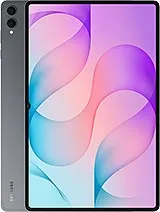 Galaxy Tab S12 Ultra
 RedMagic Astra 2
 OnePlus Pad 3
 Xiaomi Pad 8 Pro
The display utilizes a dynamic refresh rate that scales up to 120Hz. Within One UI, users can choose between "Adaptive" and "Standard" smoothness settings. These essentially act as caps: Adaptive allows the system to reach 120Hz, whereas Standard limits it to 60Hz.
The Adaptive mode serves as the default, providing a versatile range of frequencies based on the task at hand.
Regardless of the chosen mode, the panel can drop as low as 1Hz for static images to conserve power. It ramps up to 120Hz during web browsing, app navigation, and when running games that support high refresh rates (HRR) in Adaptive mode.
Our video playback tests confirmed precise synchronization: 30fps content played at 30Hz, 48fps at 48Hz, and 60fps at 60Hz.
Thanks to the HDR10+ certification, the Galaxy Tab S12 Ultra handled high-resolution HDR content from all major streaming platforms without issue during our evaluation.
Battery life
Under the hood, the Galaxy Tab S12 Ultra houses an 11,600mAh battery, maintaining the same capacity found in the S11 Ultra.
The endurance remains top-tier. Across our standardized on-screen tests, the Tab S12 Ultra performed impressively, securing an Active Use Score of 13:23h, effectively matching the industry-leading stamina of its predecessor.
Charging speed
Consistent with the Tab S11 Ultra and several Galaxy handsets, the S12 Ultra supports 45W wired fast charging. While the box does not include a power brick, Samsung provides a 3A-rated DN980 cable.
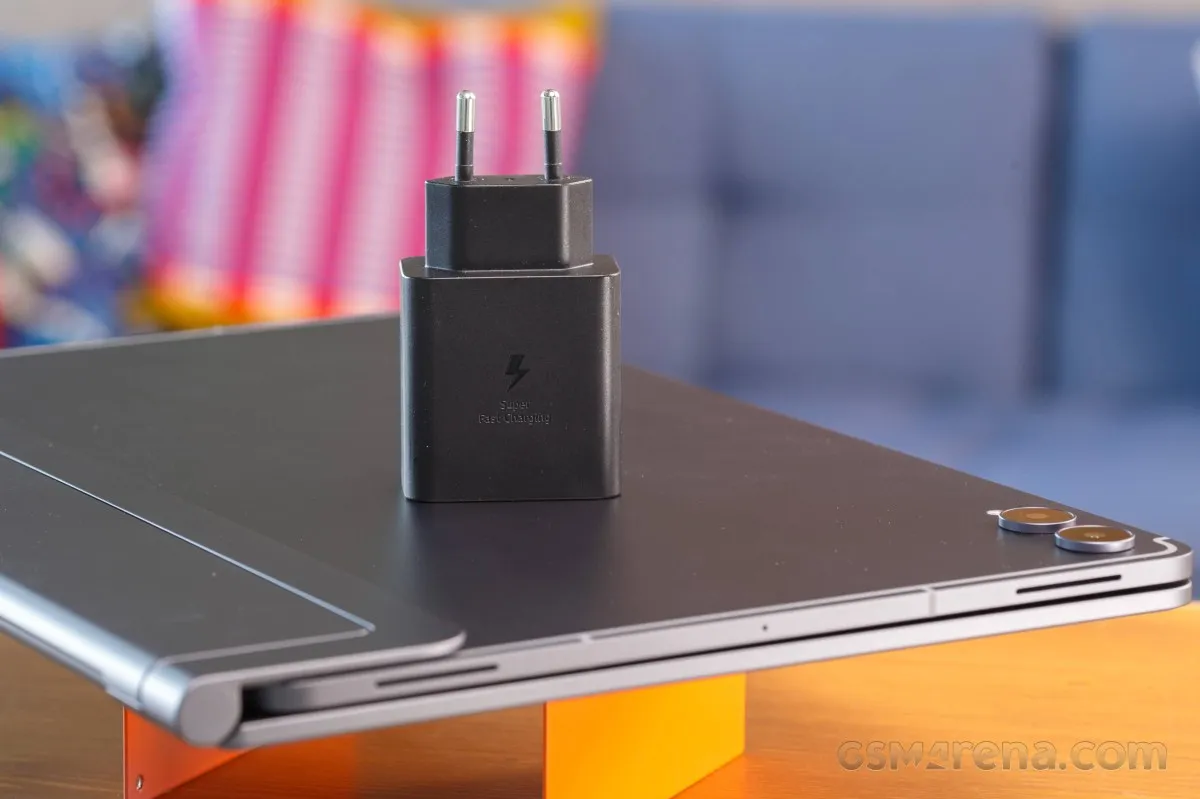
To test charging performance, we utilized an official Samsung 45W adapter.
The results were solid: the battery climbed from 1% to 21% in the first 15 minutes, reaching 41% by the 30-minute mark. A complete 0-100% charge took 84 minutes, which is a respectable timeframe given the massive battery size.
Charging speed
- in 15 min
- in 30 min
- Time to full charge (from 0%)
RedMagic Astra 2
Huawei MatePad Pro 12.2 (2025)
Xiaomi Pad 8 Pro
Galaxy Tab S12 Ultra
OnePlus Pad 3
Galaxy Tab S11 Ultra
Users have full control over their power settings, with the ability to toggle fast charging on or off, as well as access battery health tools like charging limits and adaptive charging.
Speakers
For audio, the Galaxy Tab S12 Ultra features a symmetrical quad-speaker array designed for 4-channel output to maximize immersion.
The tablet earned an "Excellent" rating in our loudness benchmarks. Whether streaming movies or music, the device is impressively loud, delivering a boomy and enveloping soundstage.
In terms of fidelity, the audio quality is strong, characterized by punchy bass and clear vocals, though the high-end frequencies lack some crispness.
Use the Playback controls to listen to the phone sample recordings (best use headphones). We measure the average loudness of the speakers in LUFS. A lower absolute value means a louder sound. A look at the frequency response chart will tell you how far off the ideal "0db" flat line is the reproduction of the bass, treble, and mid frequencies. You can add more phones to compare how they differ. The scores and ratings are not comparable with our older loudspeaker test. Learn more about how we test here.
Software, performance
Software Experience: Android 17 and One UI 9
Powering the Galaxy Tab S12 Ultra is Android 17, layered with Samsung's One UI 9. This software suite continues to offer a dual-experience approach, providing both a refined tablet interface and the productivity-focused DeX mode, both of which have been meticulously tuned for the device's expansive display.
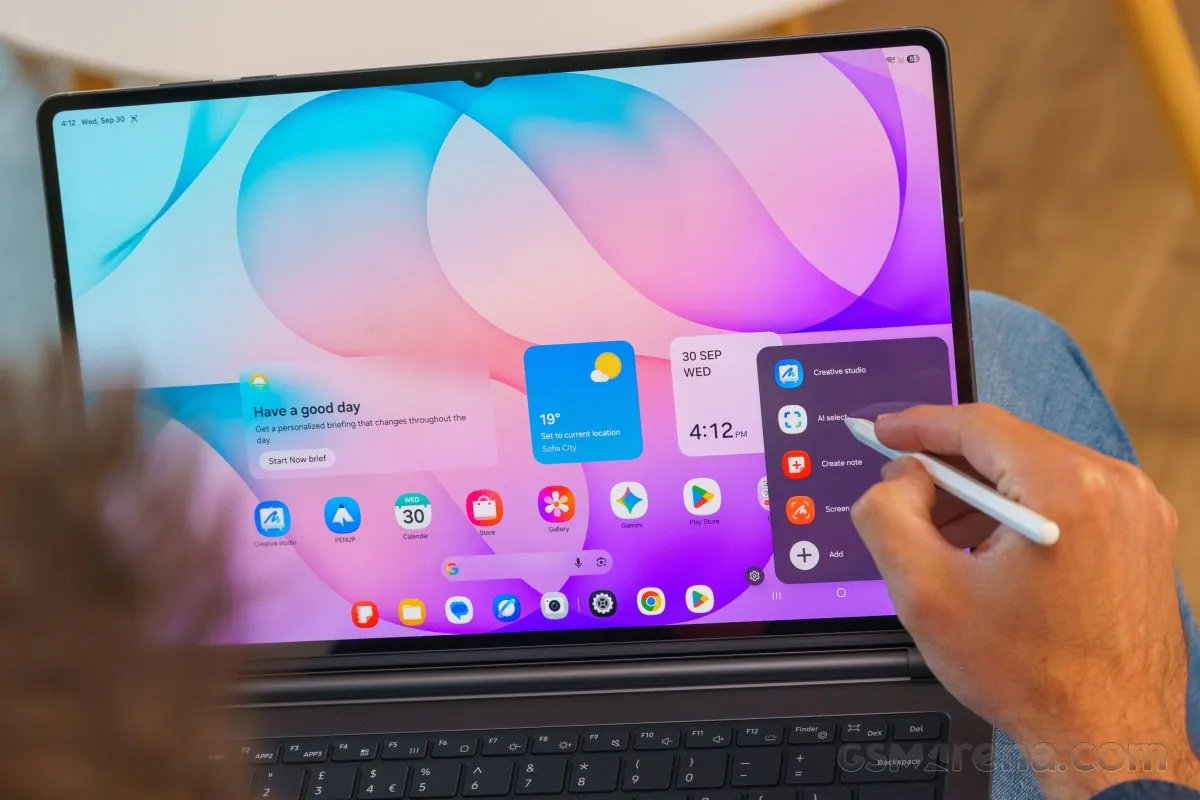
Upon startup, the device defaults to tablet mode, featuring a lockscreen that supports a wide array of customizable widgets.
The home screen layout follows the familiar Android blueprint, utilizing a mix of app icons, organized folders, and functional widgets, with the standard Google discovery page occupying the leftmost screen.
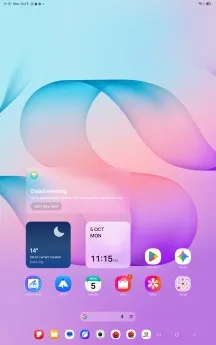
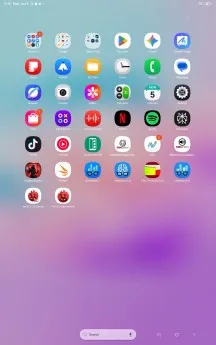
Navigation is intuitive: a swipe from the top-left corner reveals the notification shade, while a swipe from the top-right grants instant access to quick toggles.
The device includes a standard app drawer and a task manager that has been specifically scaled for the large screen, including integrated support for multiple desktops directly within the interface.
Standard Android navigation controls—including the home, back, and recent tasks buttons—are positioned in the bottom-right corner for easier reach.
Multitasking mirrors the Galaxy smartphone experience, allowing users to efficiently manage their workflow via pop-up windows and split-screen views.
Transitioning to DeX mode via the Quick Toggles is nearly instantaneous. This desktop-like environment supports both portrait and landscape orientations and features a bottom taskbar that houses pinned favorites and shortcuts to recently used applications.
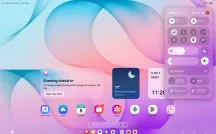
The Android shortcut control bar remains anchored to the bottom right of the display.
While the app drawer, task manager, and notification/toggle systems remain largely consistent with tablet mode, the multitasking philosophy shifts entirely in DeX.
In this mode, applications launch in floating windows equipped with familiar desktop controls: a line to minimize, a square to maximize, and an 'X' to close. These windows can be freely repositioned or snapped to the left and right edges of the screen, mimicking the window management of Windows OS.
Additionally, there is a maximization option similar to macOS, which expands the window while keeping the top status bar and the bottom dock visible.
The Galaxy Tab S12 Ultra fully integrates Google's Gemini AI, granting users access to the intuitive Circle to Search feature. Through the dedicated Gemini app, the tablet unlocks a comprehensive suite of AI capabilities, ranging from complex query handling and conversational chatting to creative writing and AI-driven image generation.
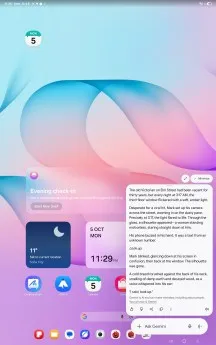
Efficiency is further enhanced by the "Now Nudge" tool. This feature streamlines productivity by automatically triggering a split-screen layout when you act on a suggestion—such as adding a calendar event—allowing the calendar to slide into view without forcing you to navigate away from your current app.
Samsung has also expanded its proprietary Galaxy AI toolkit. While Call Assist previously focused on Live Translate and Call Screening, it now introduces "Call Brief." When enabled, this AI monitors calls in real-time; if the conversation mentions a detail that aligns with your stored data (like a scheduled appointment in your calendar), the relevant information will automatically surface on the call screen.
The "Now Brief" experience has also evolved. This highly adaptable feed now supports AI-powered custom cards, making the user experience feel more personalized. Due to the processing demands of these AI cards, Samsung currently limits users to three active cards and imposes certain restrictions on the frequency of prompt edits and creations.
Data for these cards is currently sorted into three primary streams: Health, Weather, and Videos. Depending on the source, such as YouTube, you may need to grant additional third-party permissions. During our testing, we successfully curated a specialized feed consisting exclusively of Samsung-related content from GSMArena's YouTube channel—a promising feature that would benefit from further expansion.
Bixby has also received an upgrade, now incorporating Perplexity access. New Bixby widgets provide streamlined access to chat histories and voice prompts, mirroring the functional design of Gemini's interface.
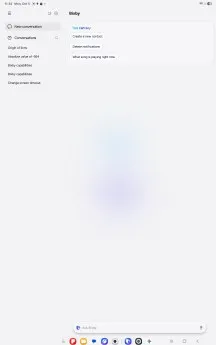
Bixby
The S-Pen remains a central part of the experience. Hovering or interacting with the screen triggers the S-Pen shortcut menu, giving you immediate access to AI Select, Drawing Assist, Screen Write, Penup, and Note creation. Users can also customize this menu by adding their own preferred shortcuts.
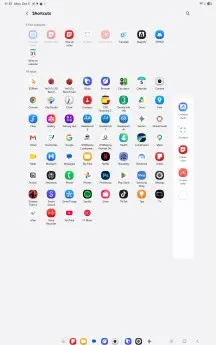
Finally, the Creative Studio app serves as a powerful artistic tool, utilizing AI to transform simple sketches or text prompts into polished graphic art tailored to your chosen aesthetic style.
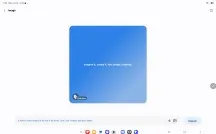


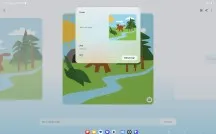
The "Screen Write" feature remains a staple for productivity, allowing users to capture a screenshot and immediately annotate or sketch over the image.

Screen Write
For those needing a more robust workspace, "Create Note" serves as a shortcut to Samsung Notes—a feature-rich application capable of handling complex documentation and rapid ideation.
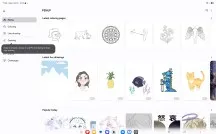
Creatives will also appreciate Penup, an engaging tool designed for coloring and refining pre-generated artistic templates.
Performance and benchmarks
Under the hood, the Galaxy Tab S12 Ultra is powered by MediaTek's cutting-edge 3nm Dimensity 9500 chipset.
This octa-core architecture is spearheaded by a single Arm C1-Ultra prime core hitting speeds of 4.21GHz, supported by three C1-Premium cores at 3.5GHz and four C1-Pro cores running at 2.7GHz.
Graphical tasks are handled by the Arm G1-Ultra GPU, while AI workloads are managed by the ninth-generation NPU 990.
Samsung offers the tablet in three distinct LPDDR5X RAM and UFS 4.0 storage tiers: 12GB/256GB (the unit under our review), 12GB/512GB, and a top-tier 16GB/1TB configuration.
To maintain peak efficiency and prevent thermal throttling, Samsung has integrated a substantial vapor chamber cooling system.
We put this hardware to the test with a series of industry-standard benchmarks.
While the Dimensity 9500 sits just slightly behind the current benchmark leader—the Snapdragon 8 Elite Gen 5—it remains an absolute beast. Whether we were editing high-resolution video, gaming, or multitasking through office suites, the performance was flawless.
GeekBench 6
- Single-core
- Multi-core
RedMagic Astra 2
 OnePlus Pad 4
Galaxy Tab S12 Ultra
Xiaomi Pad 8 Pro
Galaxy Tab S11 Ultra
OnePlus Pad 4
Galaxy Tab S12 Ultra
Xiaomi Pad 8 Pro
Galaxy Tab S11 Ultra
 Xiaomi Pad 7 Pro
AnTuTu
- v10
- v11
RedMagic Astra 2
Galaxy Tab S12 Ultra
Xiaomi Pad 8 Pro
Galaxy Tab S11 Ultra
Xiaomi Pad 7 Pro
3DMark
- Wild Life Extreme (Highest)
- Wild Life Extreme (Lowest)
- Solar Bay (Ray Tracing)
RedMagic Astra 2
OnePlus Pad 4
Galaxy Tab S12 Ultra
Galaxy Tab S11 Ultra
Xiaomi Pad 8 Pro
Xiaomi Pad 7 Pro
Thermal stability is equally impressive. During our extended stress tests, the Galaxy Tab S12 Ultra maintained 74% of its peak CPU performance and 69% of its maximum GPU output.
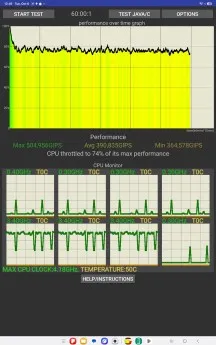
Ultimately, the Galaxy Tab S12 Ultra is a powerhouse. Even when pushing the DeX desktop environment to its limits with simultaneous app streams and heavy multitasking, the device handled the load without a stutter.
Camera quality
Imaging Performance
Samsung has opted for continuity with the Galaxy Tab S12 Ultra, retaining the same dual-camera array found on the Galaxy Tab S11 Ultra: a 13MP primary sensor paired with an 8MP ultrawide lens. Given the form factor of the device, these cameras are likely to be secondary tools for most users.
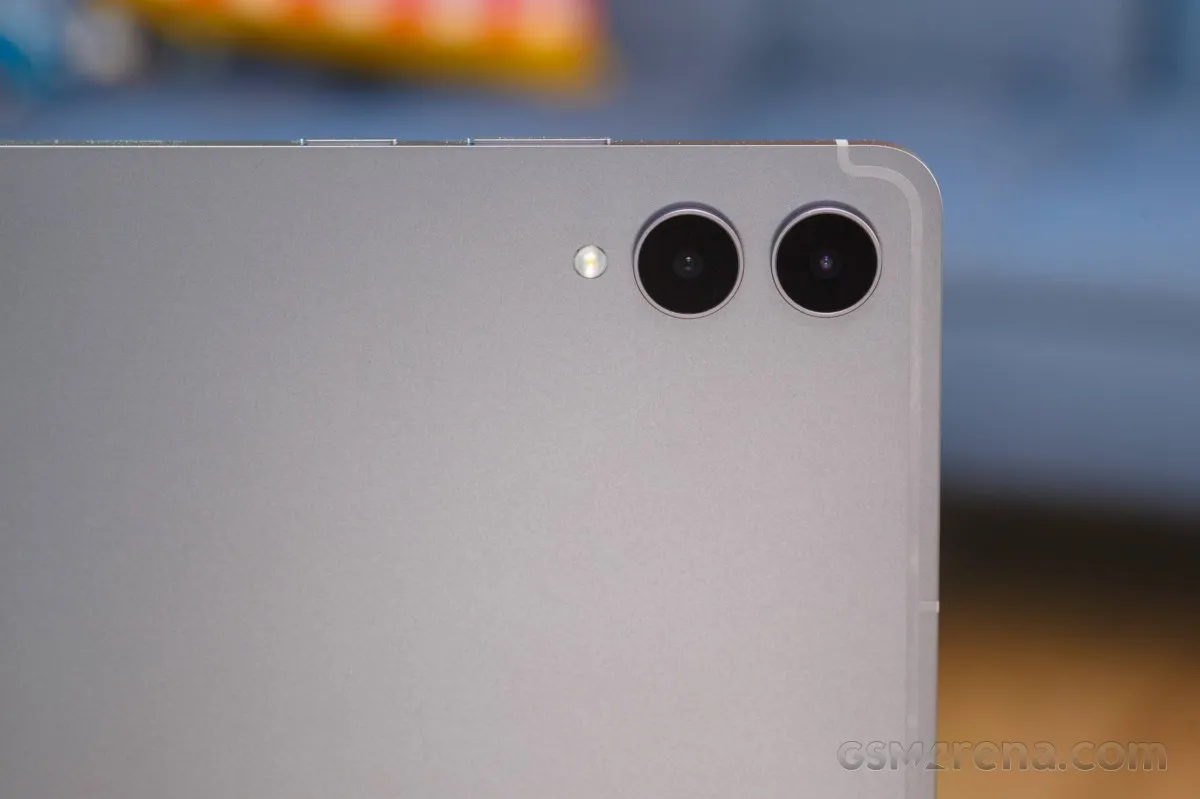
The primary sensor delivers solid results, characterized by vibrant color saturation and an impressive dynamic range, all while keeping noise levels nonexistent. However, fine detail remains mediocre, which occasionally gives natural elements like foliage a synthetic appearance.
When utilizing the 2x zoom, the tablet relies on digital cropping and upscaling, which unfortunately results in a 50% loss of perceived detail.
The 8MP ultrawide lens performs admirably, producing shots with energetic colors, effective distortion management, and a broad dynamic range, though the level of detail is only average.
For selfies and calls, the front-facing camera employs an ultrawide lens. The software provides two framing options—wide and narrow—the latter of which is achieved through digital cropping.
Regardless of the lens used, the processing is consistent and polished. We found the white balance and skin tones to be natural, complemented by strong facial detail and a wide dynamic range.
In terms of video, the primary and front-facing cameras can record in 4K, whereas the ultrawide is capped at 1080p. Electronic image stabilization is standard across all sensors.
The 4K footage from the main and front cameras is high-quality, boasting rich colors and excellent dynamic range, though the overall sharpness is slightly lacking, leading to a softer image.
Similarly, the Full HD video from the ultrawide sensor appears soft and suffers from overly saturated colors, but it remains perfectly adequate for the intended use of a tablet.




Verdict
The Final Word
With a starting price of €1,539 for the 256GB Wi-Fi model, the Galaxy Tab S12 Ultra sits in a premium price bracket comparable to an iPhone 18 Pro. For a device designed to mimic a laptop, it represents a significant financial investment.
Ultimately, the Tab S12 Ultra is a masterclass in laptop-style hardware that occasionally hits a software ceiling. While Samsung DeX pushes Android further than ever, it still can't quite match the full-scale productivity and application depth found in macOS or Windows.
Hardware-wise, the tablet is nearly flawless. It boasts a sophisticated build and a massive, breathtaking display that excels in every metric. Under the hood, the Dimensity 9500 chipset ensures that raw processing power is never a bottleneck.
Our testing also highlighted exceptional endurance from the battery and a highly functional experience with the optional Pro Keyboard—an accessory we consider essential for this device. Additionally, the included S-Pen remains a standout tool for productivity.
In terms of versatility, the Tab S12 Ultra is unrivaled. Whether you are editing video, managing complex office workflows, gaming, or sketching, it handles diverse tasks with ease. It is essentially the "Swiss Army knife" of the tablet world. We highly recommend it for those seeking a multi-functional powerhouse, provided you understand that it isn't a total replacement for a traditional desktop OS.
Pros
- High-end IP68-certified aluminum unibody construction.
- Stunning 120Hz HDR10+ high-resolution OLED panel.
- Excellent battery endurance and rapid charging capabilities.
- Industry-leading raw performance.
- Synergy between Android, One UI, and DeX creates a potent ecosystem.
- Low-latency S-Pen included as standard in the box.
- Future-proof connectivity with Wi-Fi 7, 5G, and microSD expansion.
Cons
- Wall charger is not included in the retail package.
- The display notch is a visual distraction.
- S-Pen lacks active power.