Samsung Galaxy Z Flip8 review
Verdict
In-depth review of the Samsung Galaxy Z Flip8
Introduction, specs, unboxing
Introduction
Samsung reinvented the Fold just in time to cast a shadow on the imminent iPhone Ultra release, but its Flip counterpart got an upgrade too - even if it received a lot less attention at the launch event. Now, with the Fold8 reviews out of the way, we intend to give the Flip our full attention. The Samsung Galaxy Z Flip8 is in for review.
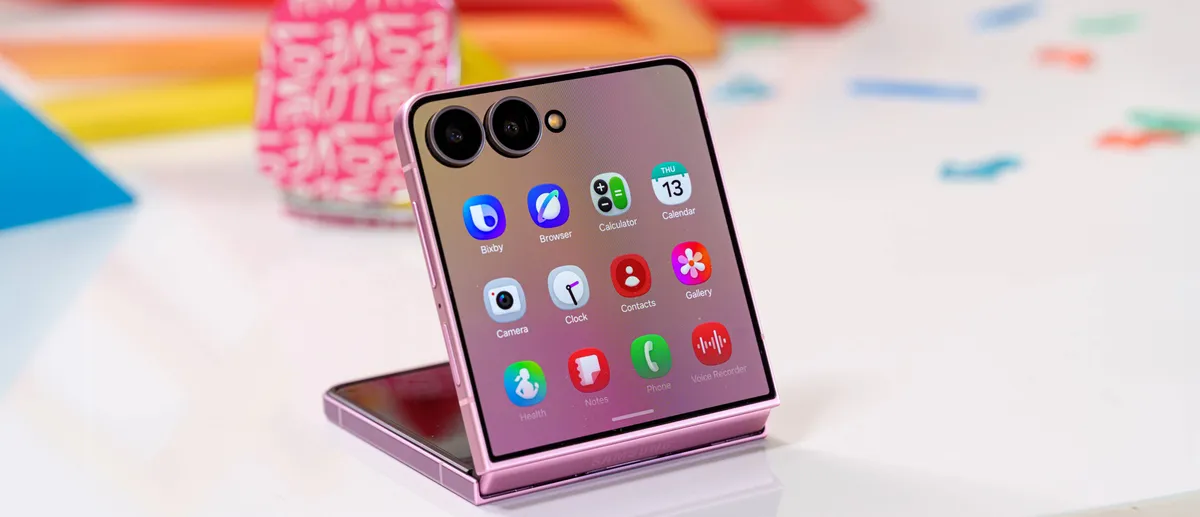
On paper, the Galaxy Z Flip 8 appears as an impressive phone on its own: a water-resistant compact foldable featuring a top-of-the-line chip, an upgraded hinge, and an eye-catching fresh lineup of colors.
The Z Flip8 packs a 6.9-inch LTPO AMOLED 2X foldable screen with 1080p resolution (400ppi), dynamic 120Hz refresh rate, and HDR10+ support. The cover screen is a 4.1-inch regular AMOLED with 342ppi density and a 120Hz refresh rate. Both screens now support up to 3,000nits of peak brightness.
As mentioned, the phone has gotten a new chip as well - the Snapdragon 8 Elite Gen 5 for North America and China, or the Exynos 2600 for everywhere else. Either way, it comes with 12GB of RAM and 256GB or 512GB of UFS 4.0 storage.
The camera setup remains familiar: a 50MP primary and a 12MP ultrawide imager on the back, plus a 10MP selfie camera on the inside screen.
The Z Flip8 packs a 4,300mAh battery supporting 25W wired, 15W wireless, and reverse wireless charging.
It all sounds great, but we can't overlook the fact that so little has changed since the Z Flip 7 - an incremental chip update, a minor bump in peak brightness and new colorways, and that's about it.
Samsung Galaxy Z Flip8 specs at a glance:
- Body: 166.9x75.4x6.1mm, 180g; Plastic front (unfolded), glass back (Gorilla Glass Victus 2), aluminum frame; IP48 dust and water resistant (dust > 1mm; immersible up to 1.5m for 30 min), Armor Aluminum.
- Display: 6.90" Foldable Dynamic LTPO AMOLED 2X, 120Hz, HDR10+, 3000 nits (peak), 1080x2520px resolution, 21:9 aspect ratio, 400ppi; Cover display:, Super AMOLED, 120Hz, 3000 nits (peak), 4.1 inches, 948 x 1048 pixels (Gorilla Glass Victus 2), 342 PPI.
- Chipset: Qualcomm SM8850-1-AD Snapdragon 8 Elite Gen 5 (3 nm) - US/CA/CN, Exynos 2600 (2 nm) - ROW.
- Memory: 256GB 12GB RAM, 512GB 12GB RAM; UFS 4.x.
- OS/Software: Android 17, up to 7 major OS updates, One UI 9.
- Rear camera: Wide (main): 50 MP, f/1.8, 23mm, 1/1.57", 1.0µm, dual pixel PDAF, OIS; Ultra wide angle: 12 MP, f/2.2, 13mm, 123˚, 1/3.2", 1.12µm.
- Front camera: 10 MP, f/2.2, 23mm (wide), 1.12µm.
- Video capture: Rear camera: 4K@30/60fps, 1080p@60/120/240fps, HDR10+; Front camera: 4K@30/60fps.
- Battery: 4300mAh; 25W wired, QC2.0, 55% in 30 min, 15W wireless, 4.5W reverse wireless.
- Connectivity: 5G; eSIM; Wi-Fi 7; BT 5.4; NFC.
- Misc: Fingerprint reader (side-mounted); stereo speakers; Samsung DeX (desktop experience support).
The Galaxy Z Flip8 has everything to be a tempting compact foldable in a sea of book-style foldables. It all depends on whether its price tag makes sense; otherwise, the Flip 7 might just become a surprise bestseller in the upcoming shopping seasons - or even earlier.
Unboxing the Samsung Galaxy Z Flip8
The Galaxy Z Flip8 ships inside a thin box that contains the Z Flip8 and a USB-C cable.
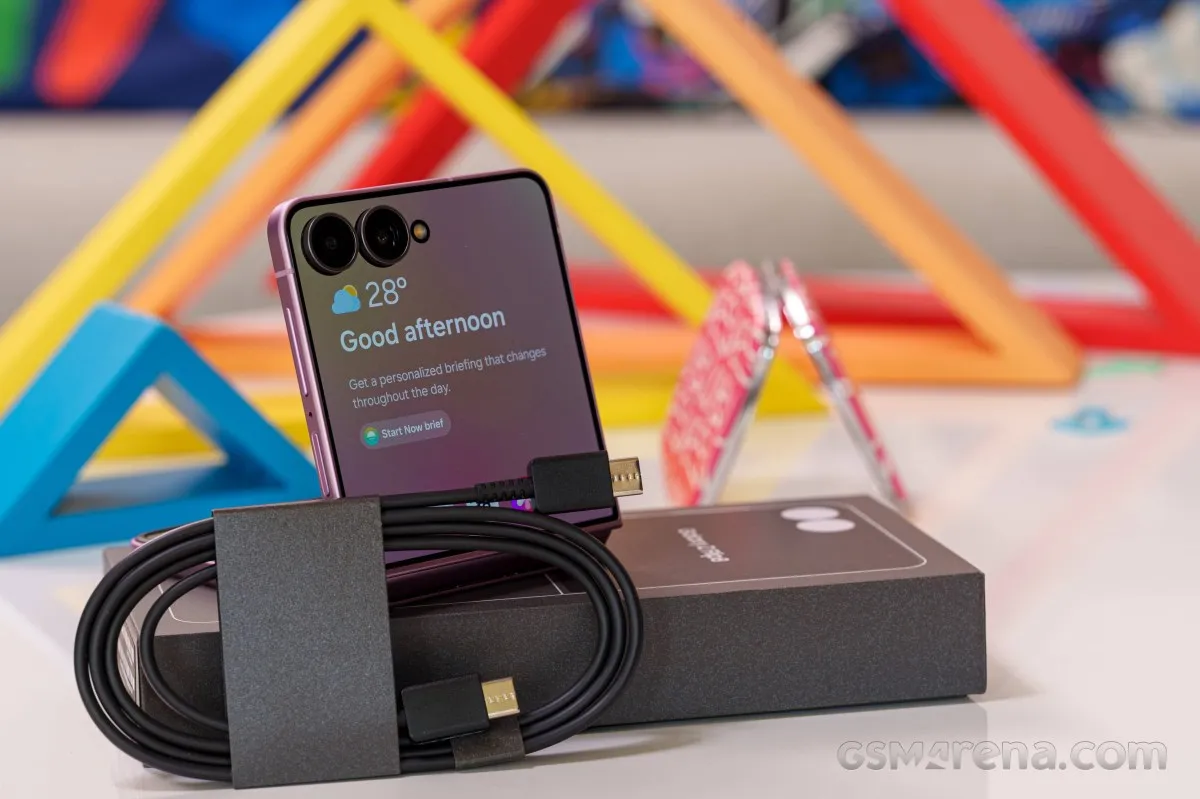
You also get a SIM ejector, but no case or charger.
Design, build quality, handling
Design, build quality, handling
There is virtually no difference between the Galaxy Z Flip7 and the new Galaxy Z Flip8 design-wise. Not at first glance, at least. Sure, the new model comes in graphite, cream, pink, and mint colorways - a clear shift from the Z Flip7 hues. But other than this classic Apple trick, everything else looks the same.
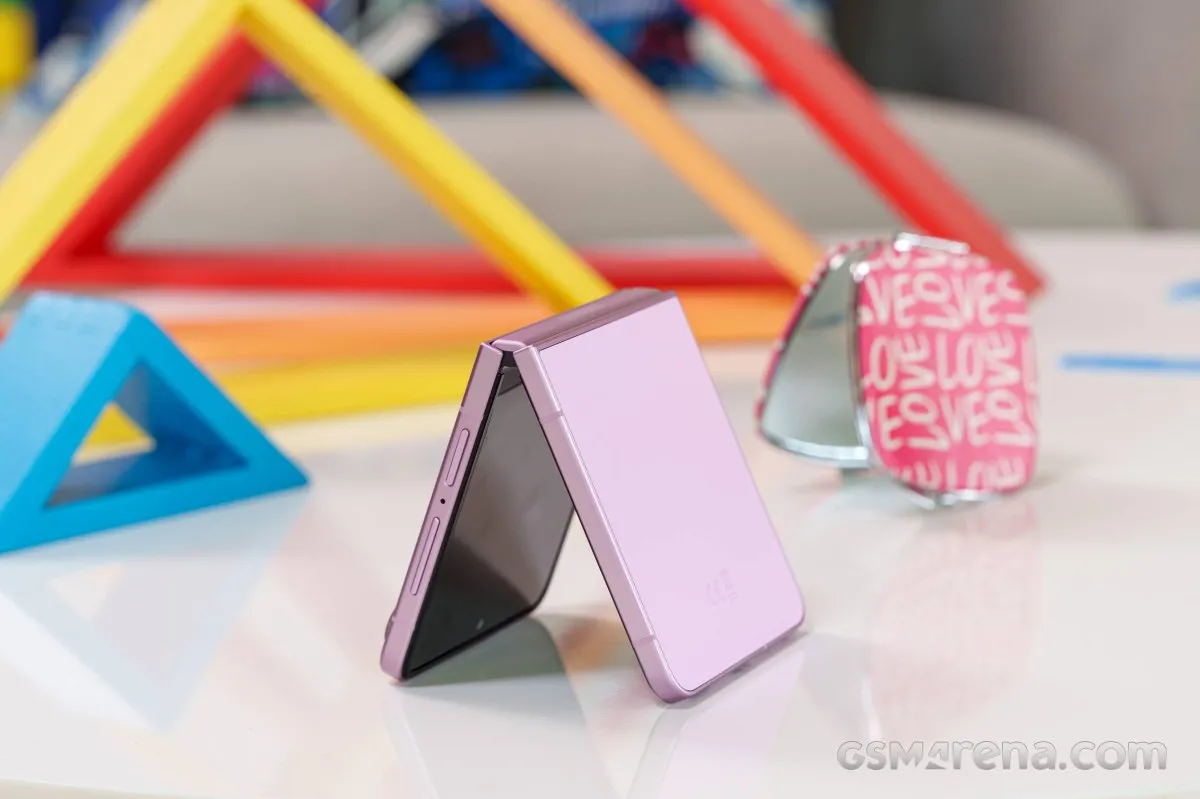
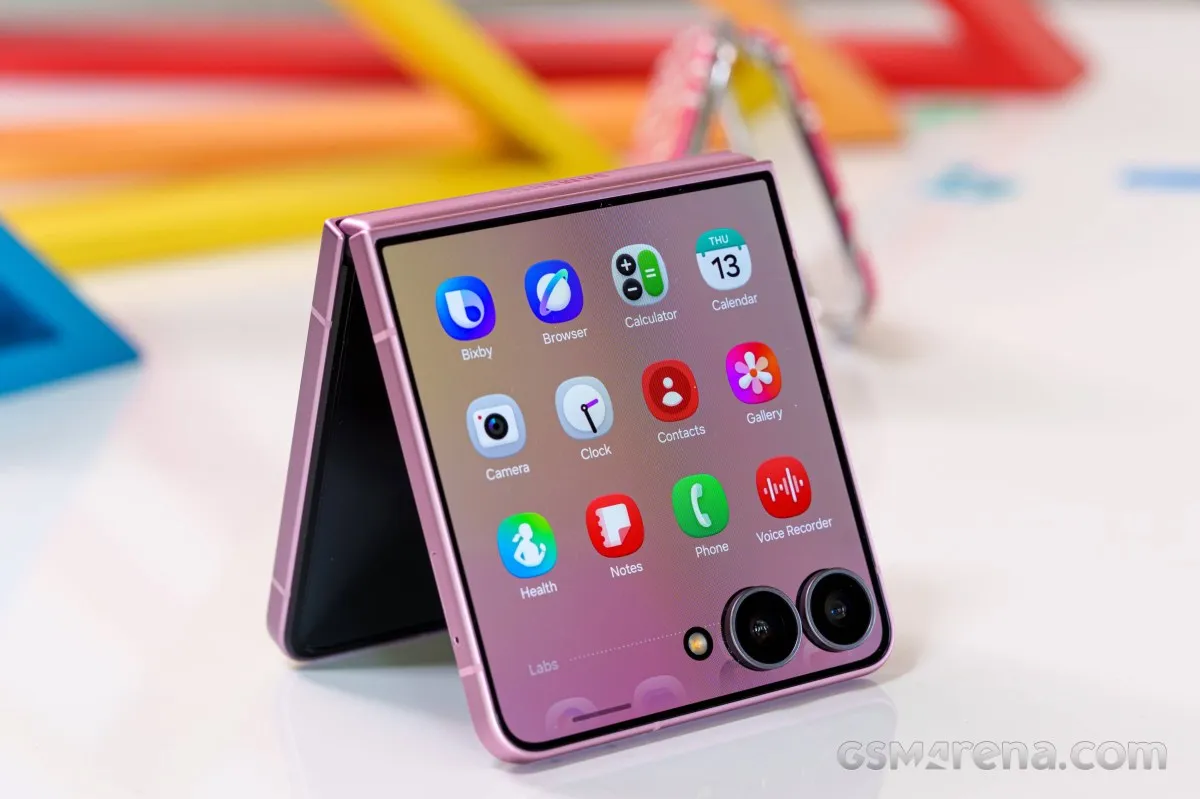
The Galaxy Z Flip8 is a compact foldable with Gorilla Glass Victus 2 outer panels, a frame made from Armor Aluminum, and a foldable screen covered with ultra-thin glass and a protective plastic layer.
While the phone is IP48-rated for ingress resistance, the low rating for dust resistance still means you have to be mindful about protecting it from fine sand or coarse dust particles to avoid any damage.
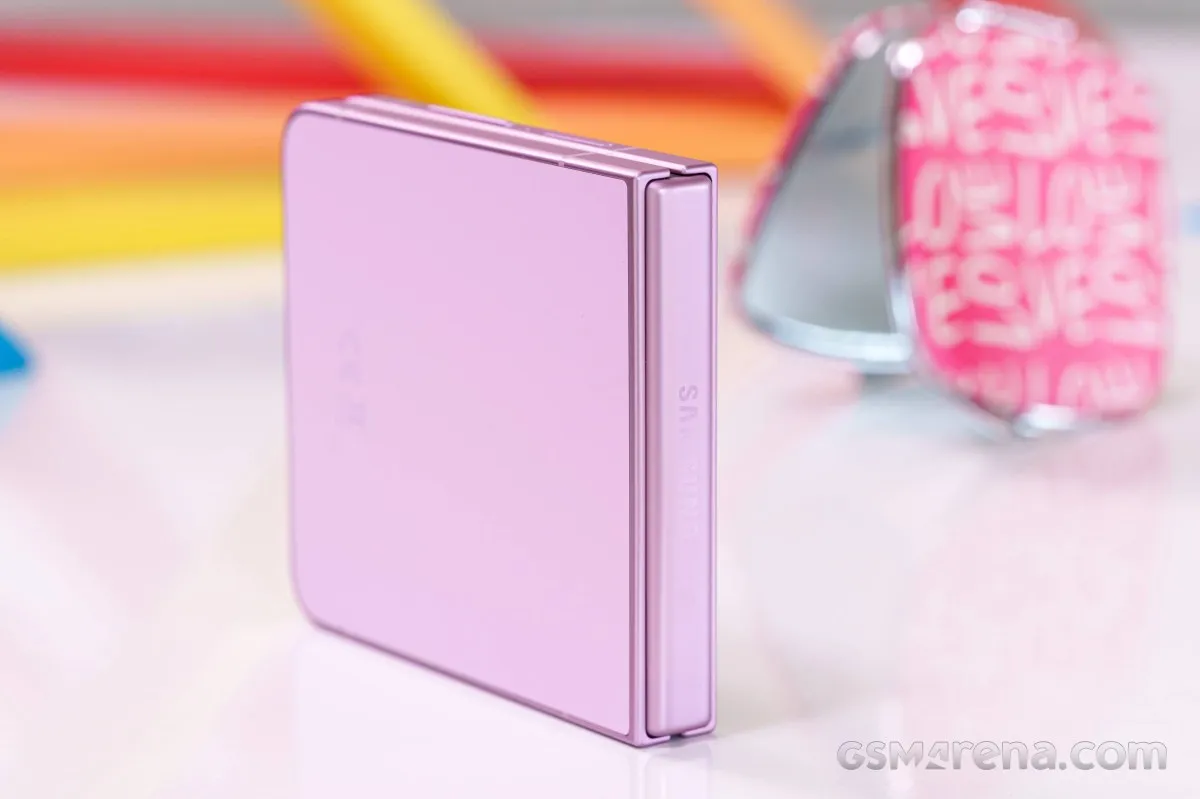
Samsung advertises a refined Flex Hinge with an updated magnetic setup, offering higher curvature for easier opening and a slimmer profile while maintaining a zero-gap closure. Paired with subtle chamfered edges, the device is both easier to open and sleeker when shut.
Testing the Z Flip7 and Z Flip8 side by side, there seems to be a subtle refinement in the hinge mechanism. That said, it's hard to tell whether the experience is genuinely better. You certainly don't get the distinctly easier opening in the beginning like on the Folds. But the resistance is not any higher than the Folds anyway, so you don't get a worse user experience.
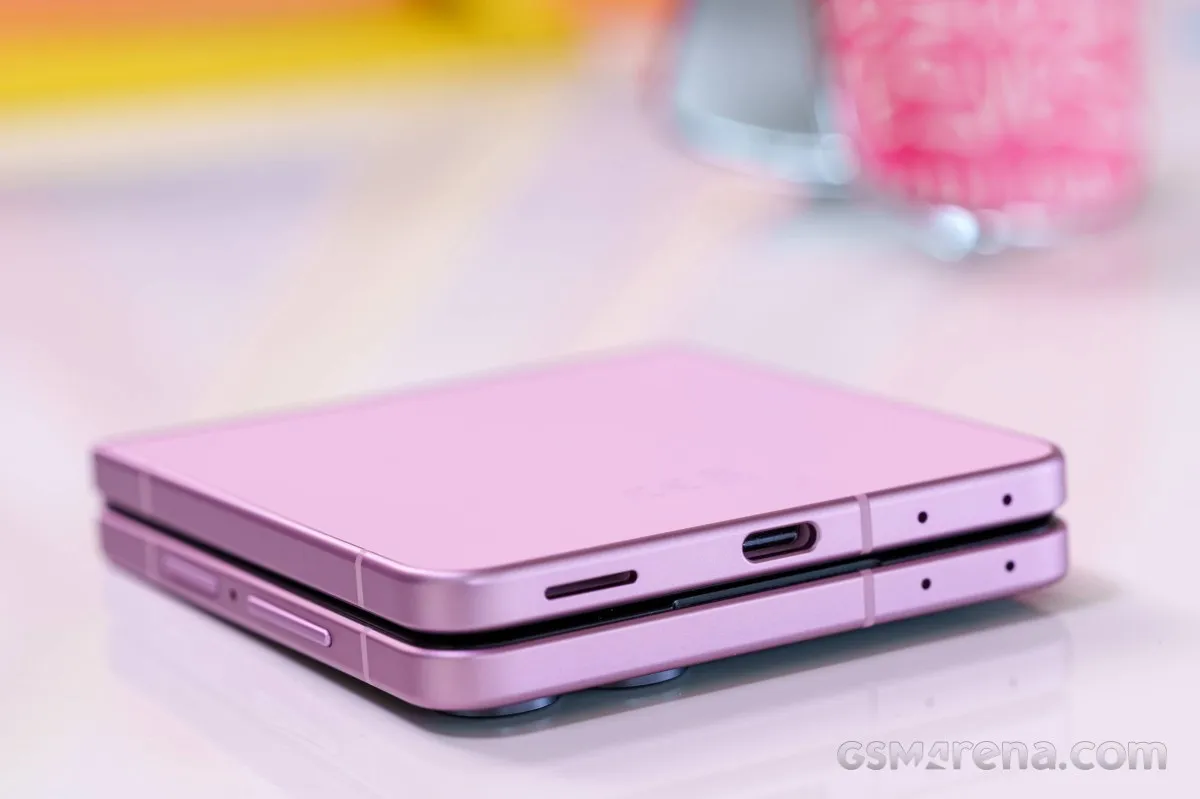
What we can confirm is that the phone leaves no gap when closed and lies completely flat when open. Better yet, the crease is practically invisible and you almost can't feel it by touch too - at least in these first days of use.
The engineering refinements (or potentially the move to a Si/C battery, which isn't confirmed) have led to a lighter and slimmer body vs. the Z Flip7 - 180g vs. 188g and 6.1mm vs.6.5mm.
Long story short, Samsung made a few tweaks, arguably for the better, but they are barely noticeable, if at all.
Now, let's take a closer look at the new Z Flip8.
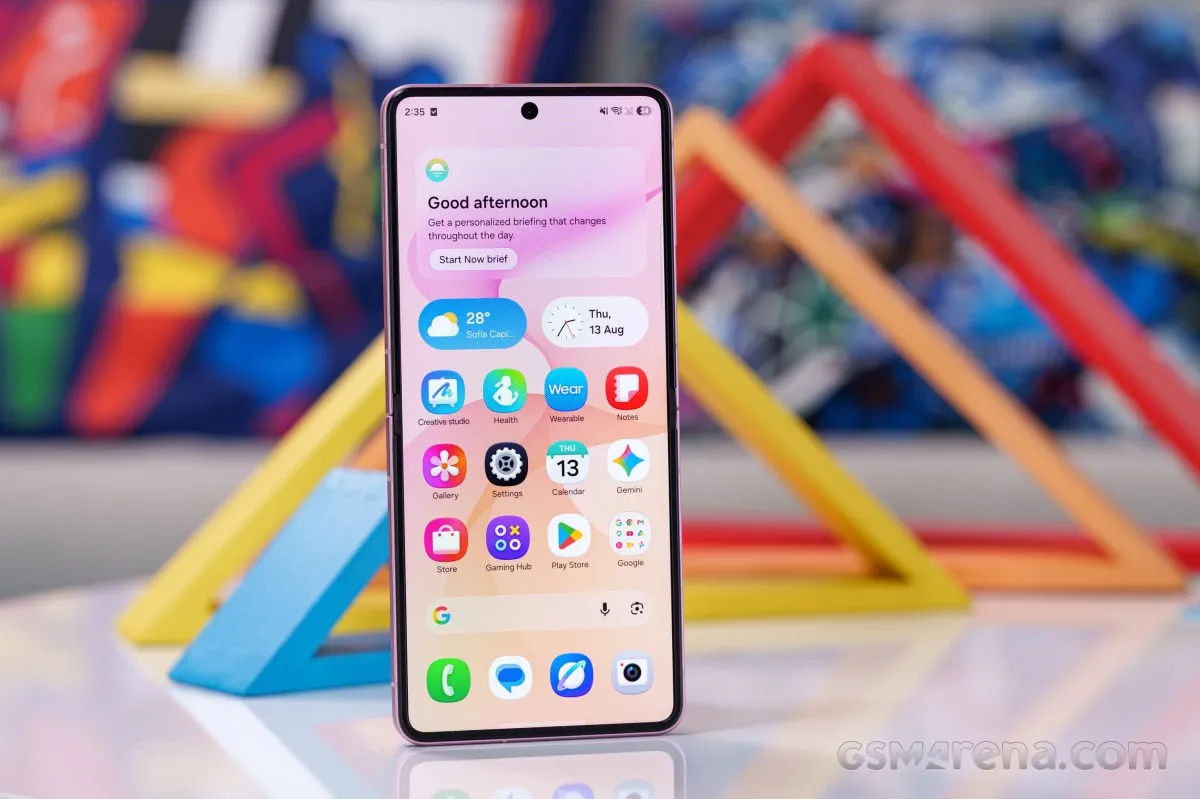
The foldable screen is quite impressive, excluding the small punch-hole for the 10MP selfie camera. It has the usual plastic enclosure across all sides, which also hides the magnets.
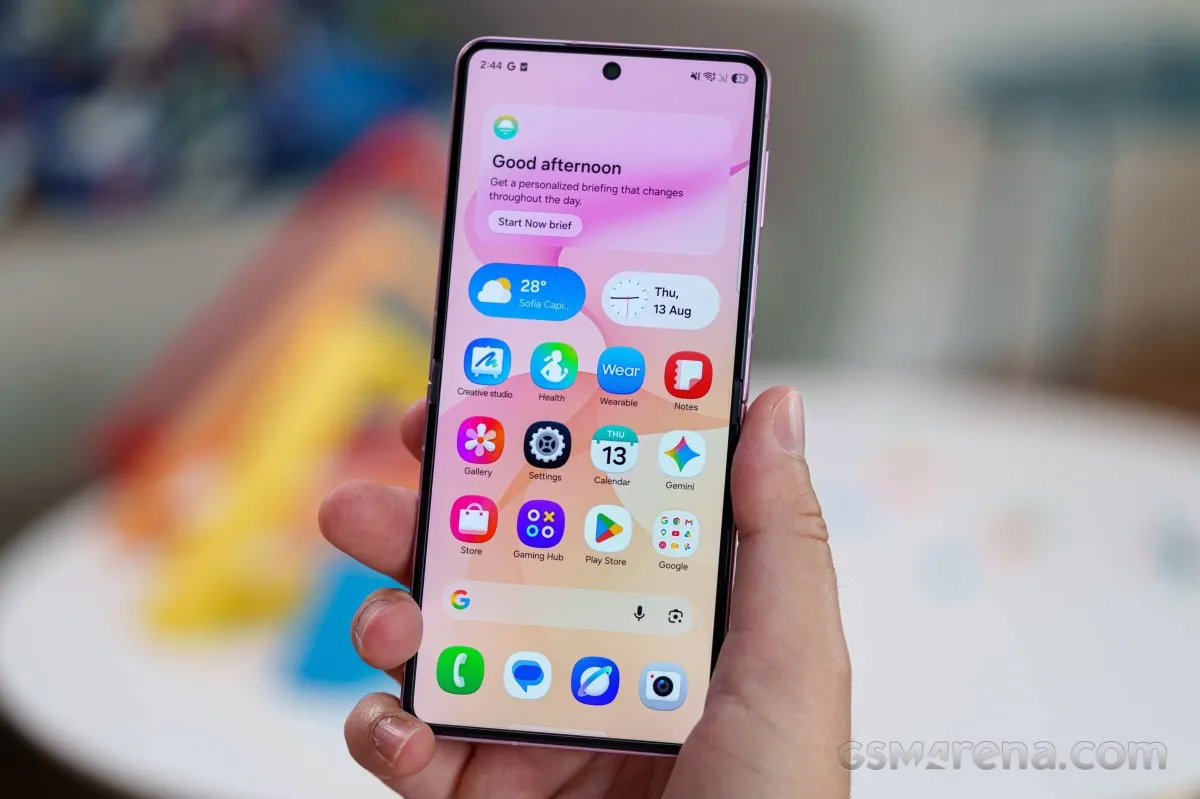
The inner screen is covered by a pre-applied protective film that must not be removed. Because it stops about 1mm short of the frame, it creates a small border gap that will inevitably trap dust over time.
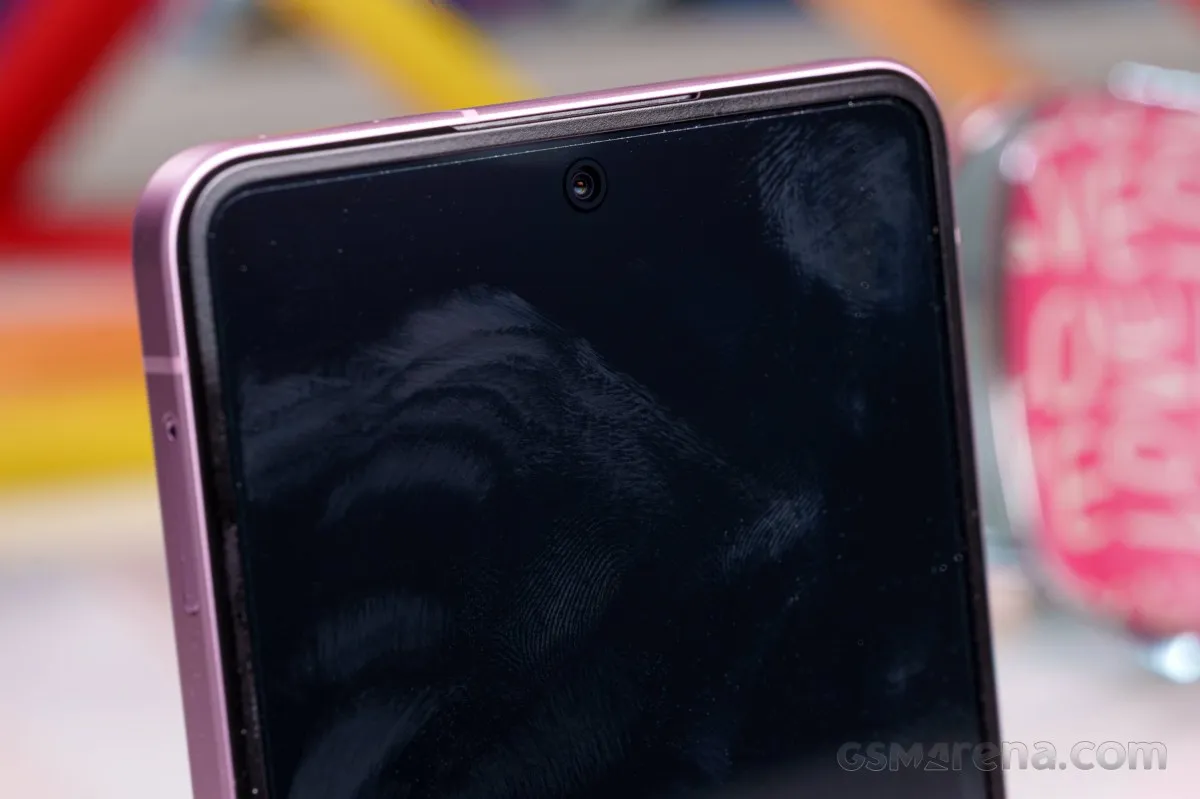
The good news is that there is no visible or feelable crease on the screen, and if the folio develops some defects where it folds, you can easily have it replaced at an authorized Samsung center.
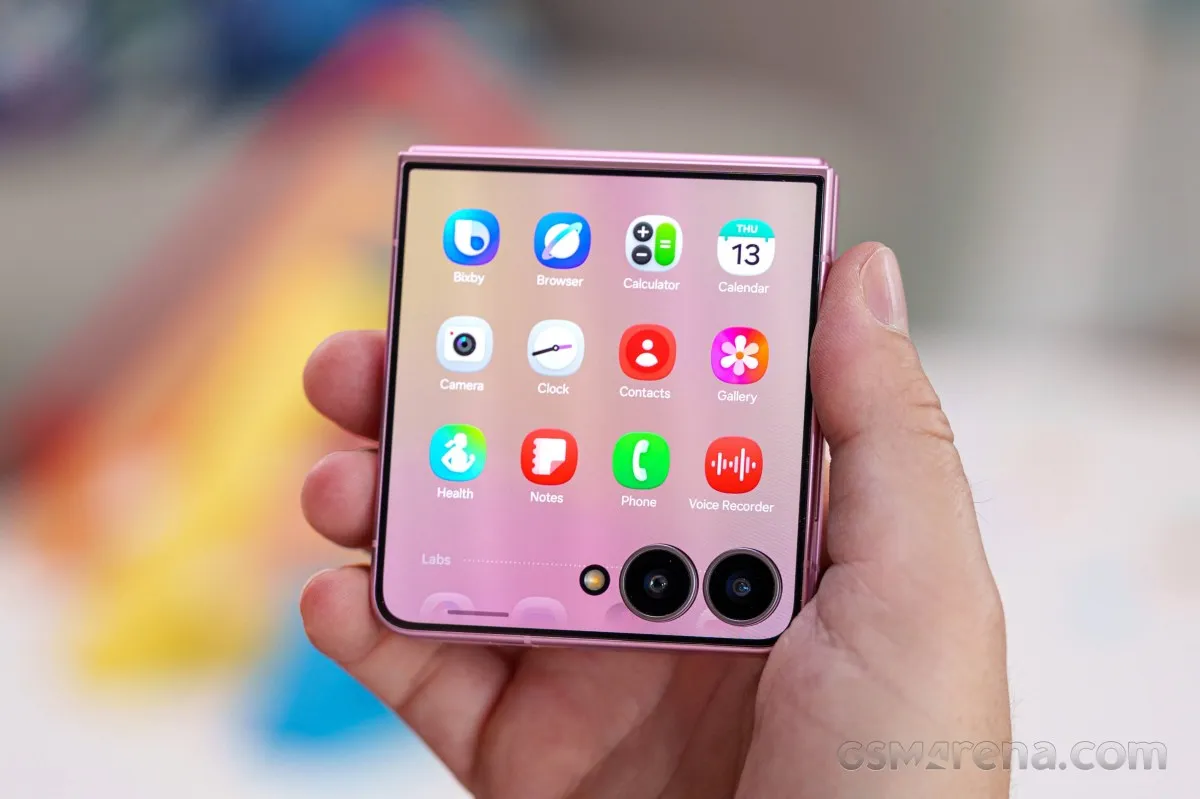
The back is divided into two sections. The upper portion features a 4.1-inch AMOLED screen covered with flat Gorilla Glass Victus 2, with cutouts housing the dual rear cameras - a 50MP primary and a 12MP ultrawide imager - alongside the LED flash.
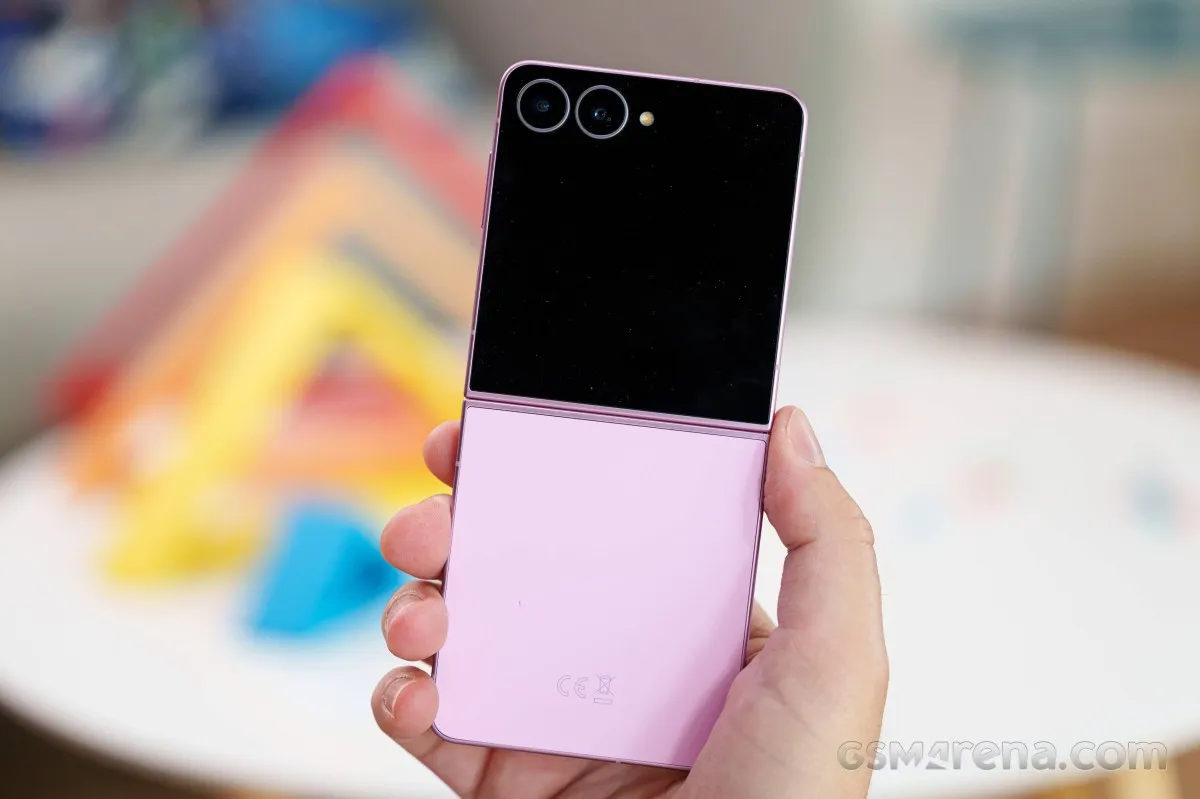
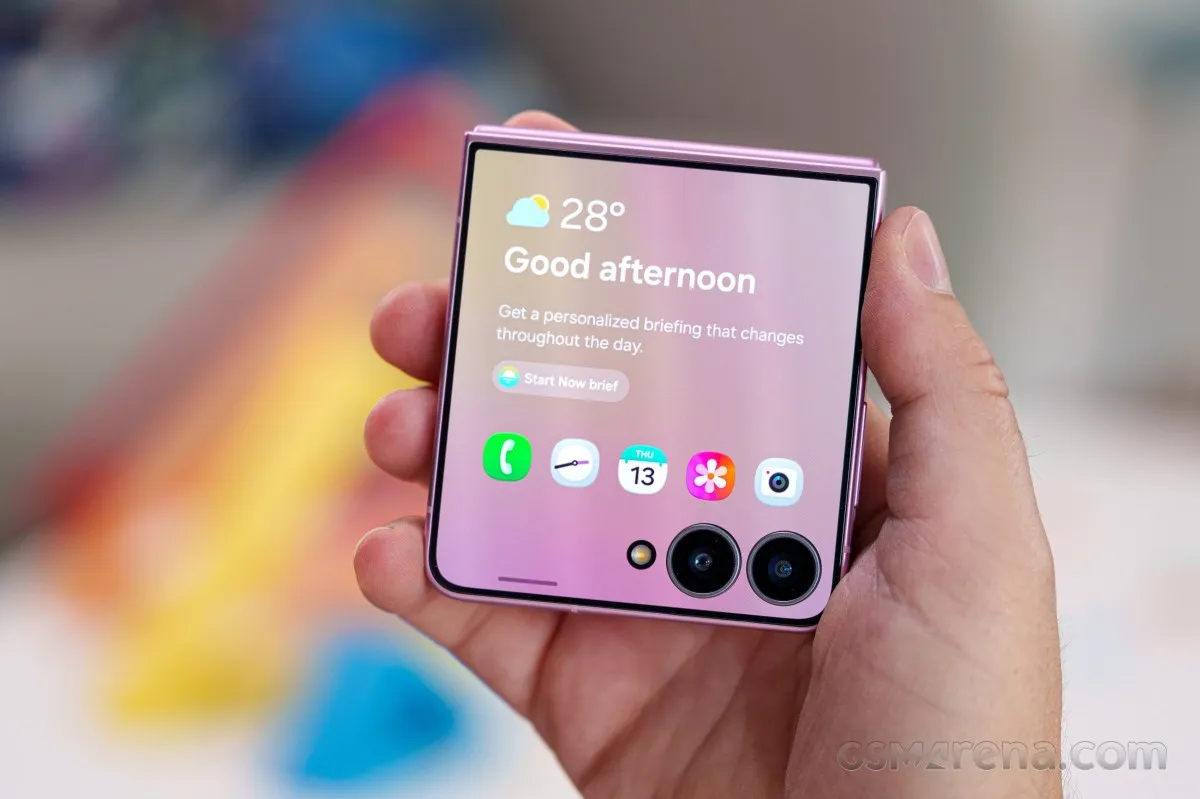
The cover screen features thin bezels and supports a variety of mini-apps. On the outside, the two cameras are encircled by slightly raised metal rings.
The lower rear panel uses the same Gorilla Glass Victus 2, but with a matte texture available in mint, pink, cream, or graphite. It feels rather slippery in hand, but it does a great job of repelling fingerprint smudges.
When closed, the phone reveals its Armor Aluminum hinge casing, complete with the Samsung logo on top.
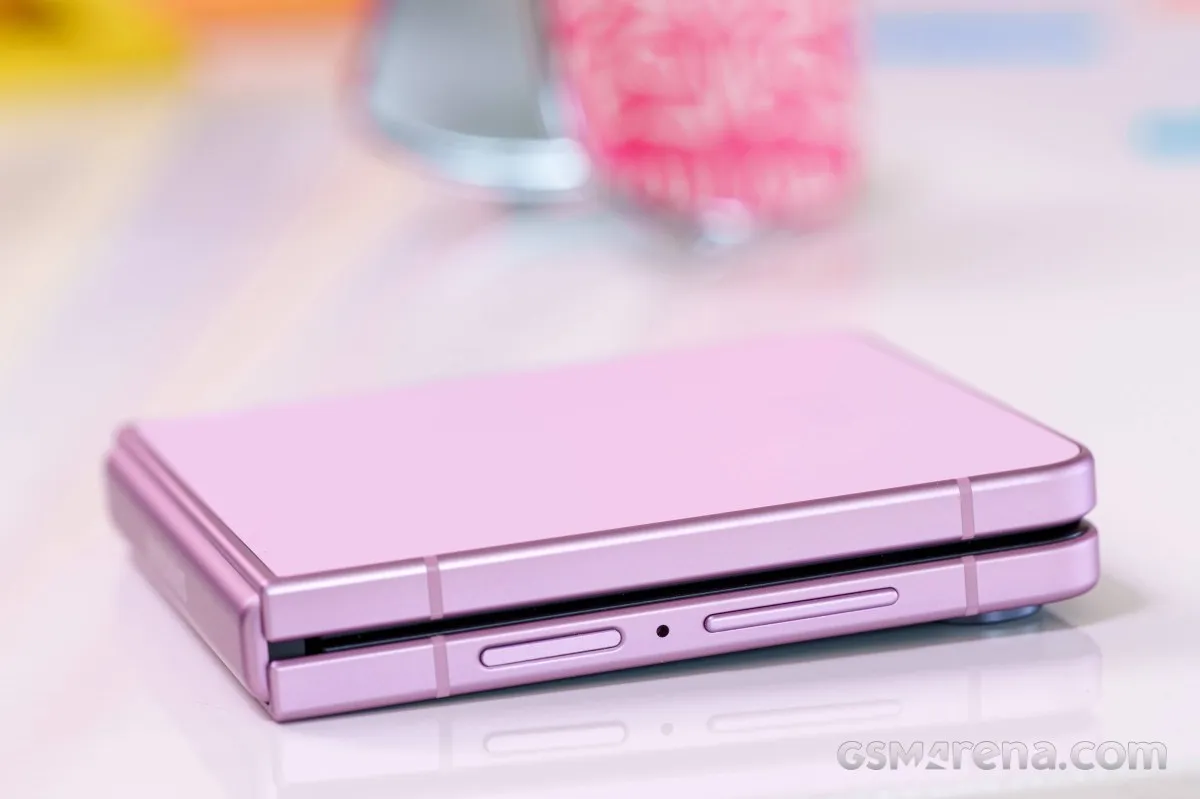
The frame is also made of aluminum, color-matched to the back panel, and features a matte finish.
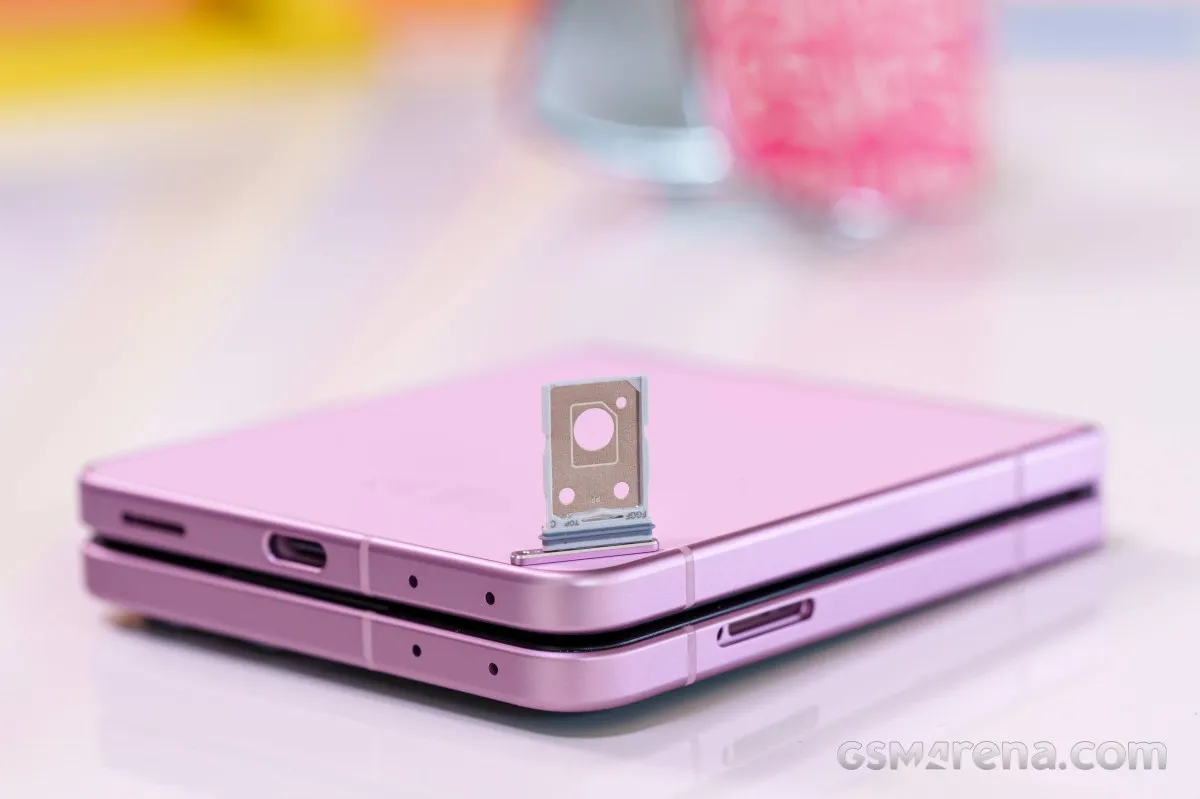
The SIM slot is on the left side of the Z Flip8. It can take only one SIM card. If you want to use the supported dual-SIM functionality, you need to use an eSIM.
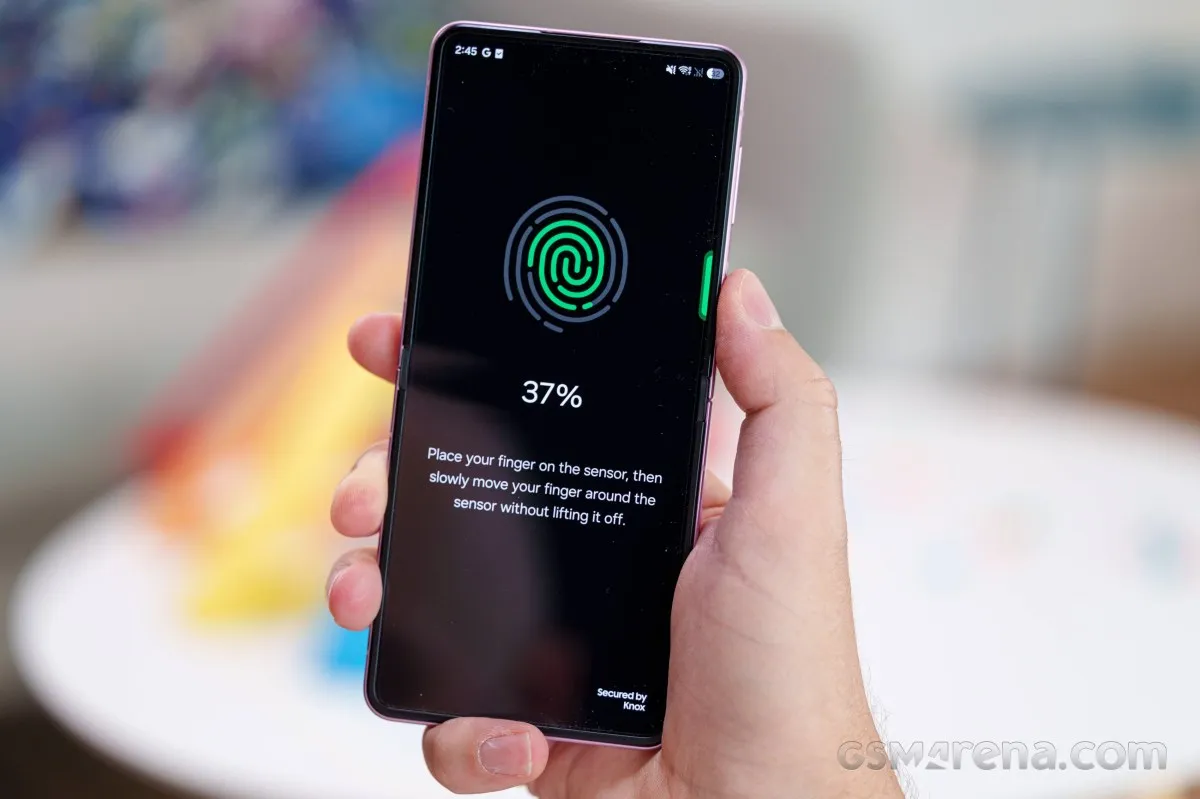
On the right, you can spot the volume and power/lock keys. There is a microphone between those.
The surface of the lock key also contains the always-on fingerprint scanner, and it's as fast and reliable as ever.
The top and bottom sides contain 2x2 symmetrical microphones.
The bottom also packs the USB-C port and a loudspeaker. The Galaxy Z Flip8 does come with a stereo speaker pair - the other speaker is the amplified earpiece.
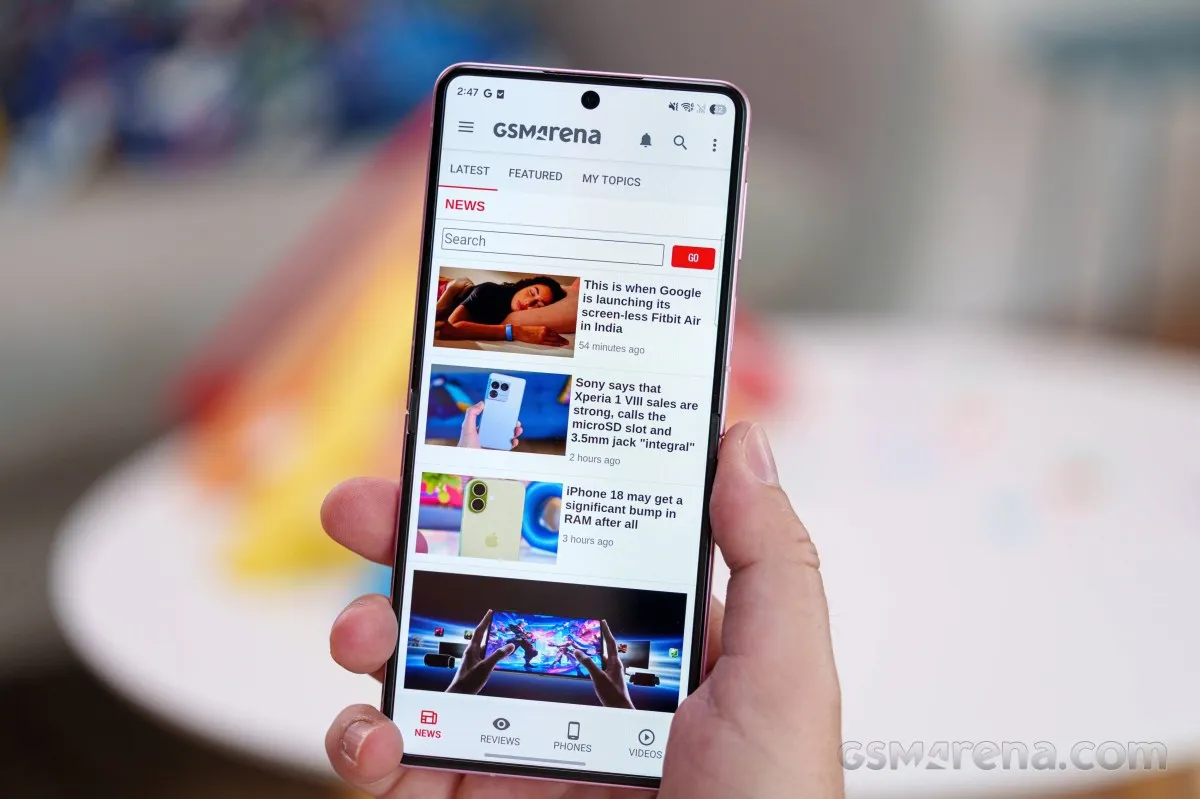
And that's about it. The Galaxy Z Flip8 is a comfortable daily driver: it offers a solid grip, stays lightweight, and opens with satisfying smoothness. But if you were expecting a massive leap forward, you might be disappointed. Then again, maybe Samsung felt there wasn't much left to improve.
Our lab tests - display, battery life, charging speed, speakers
Displays
The Galaxy Z Flip8 packs the same displays as the Z Flip7, with the only improvement being the higher peak brightness - now up to 3,000nits.
The foldable screen relies on a 6.9-inch LTPO panel with 1,080 x 2,520 pixels (400ppi), dynamic 120Hz refresh rate, and HDR10+ support.
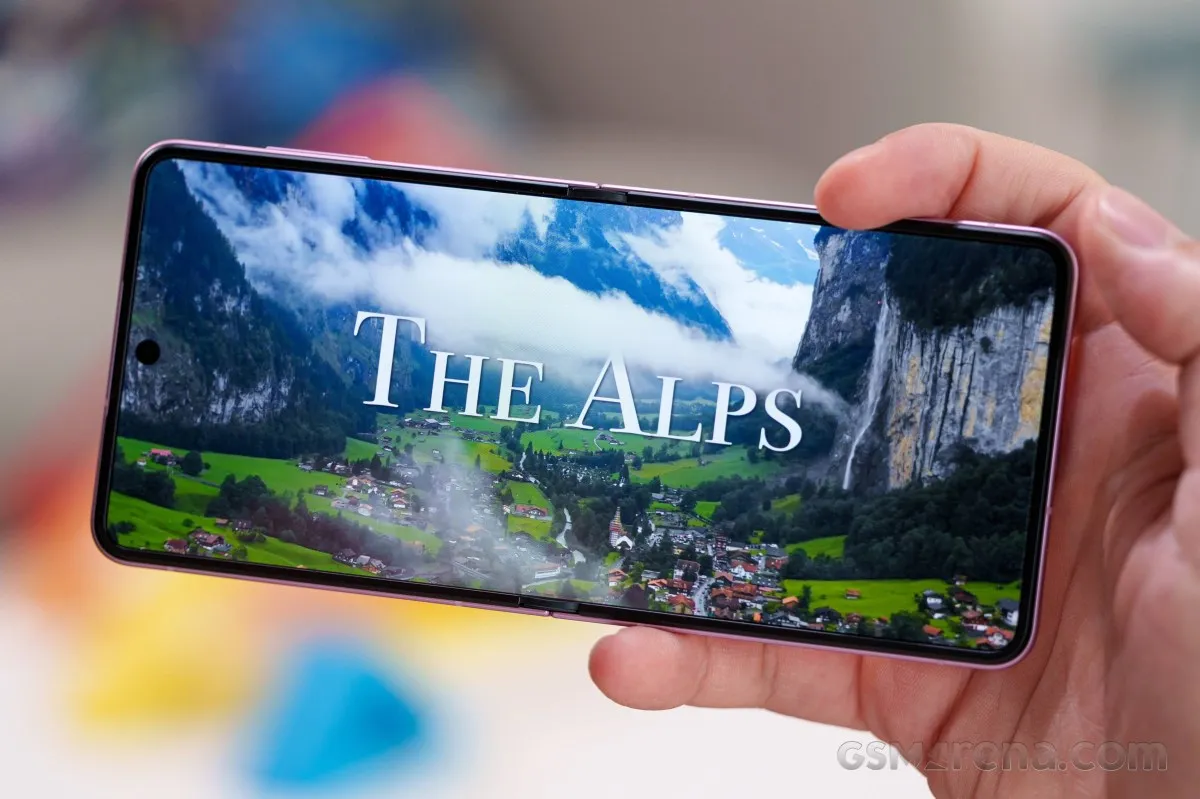
The cover screen uses a 4.1-inch Super AMOLED panel with 948 x 1,048 pixels (342ppi), 120Hz refresh rate, and HDR10+ support.
There are no official brightness numbers listed by Samsung. But the Settings page offers Extra Brightness in addition to Adaptive brightness. The Extra Brightness option allows for about a 200- 300-nit boost in manual mode on both screens, an option you would probably want to keep on if you are relying mostly on manual brightness control.
With Adaptive Brightness active under direct sunlight, the main screen's max brightness reached 1,470 nits. On a 10% white patch, peak brightness reached 2,679 nits - delivering excellent outdoor readability.
Max display brightness test
White test pattern (nits)
- Manual (75% fill)
- Auto (75% fill)
- Peak Auto (10% fill)
 Honor Magic V Flip 2
 Galaxy Z Fold8
 Motorola Razr 60 Ultra
 Motorola Razr 70 Ultra
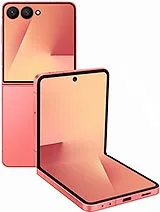 Galaxy Z Flip7
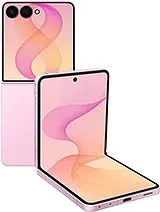 Galaxy Z Flip8
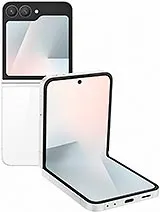 Galaxy Z Flip7 FE
The situation is quite similar for the cover screen. Here, we measured 762 nits of maximum manual brightness, 1,444 nits in automatic mode, and 2,482 nits of peak brightness.
Max display brightness test
White test pattern (nits)
- Manual (75% fill)
- Auto (75% fill)
- Peak Auto (10% fill)
Honor Magic V Flip 2 (Cover Display)
Motorola Razr 60 Ultra (Cover display)
Galaxy Z Fold8 (cover)
Galaxy Z Flip8 (cover)
Galaxy Z Flip7 (Cover display)
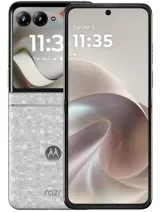 Motorola Razr 70 (Cover Display)
Motorola Razr 70 Ultra (Cover Display)
Motorola Razr 70 (Cover Display)
Motorola Razr 70 Ultra (Cover Display)
The minimum brightness on both screens was impressive - 1 nit on the foldable display and 1.1 nit on the cover one.
Refresh rate
There are two refresh rate modes in the Settings menu: Standard and Adaptive. Both of those are essentially caps for the dynamic refresh rate - either 60Hz or 120Hz.
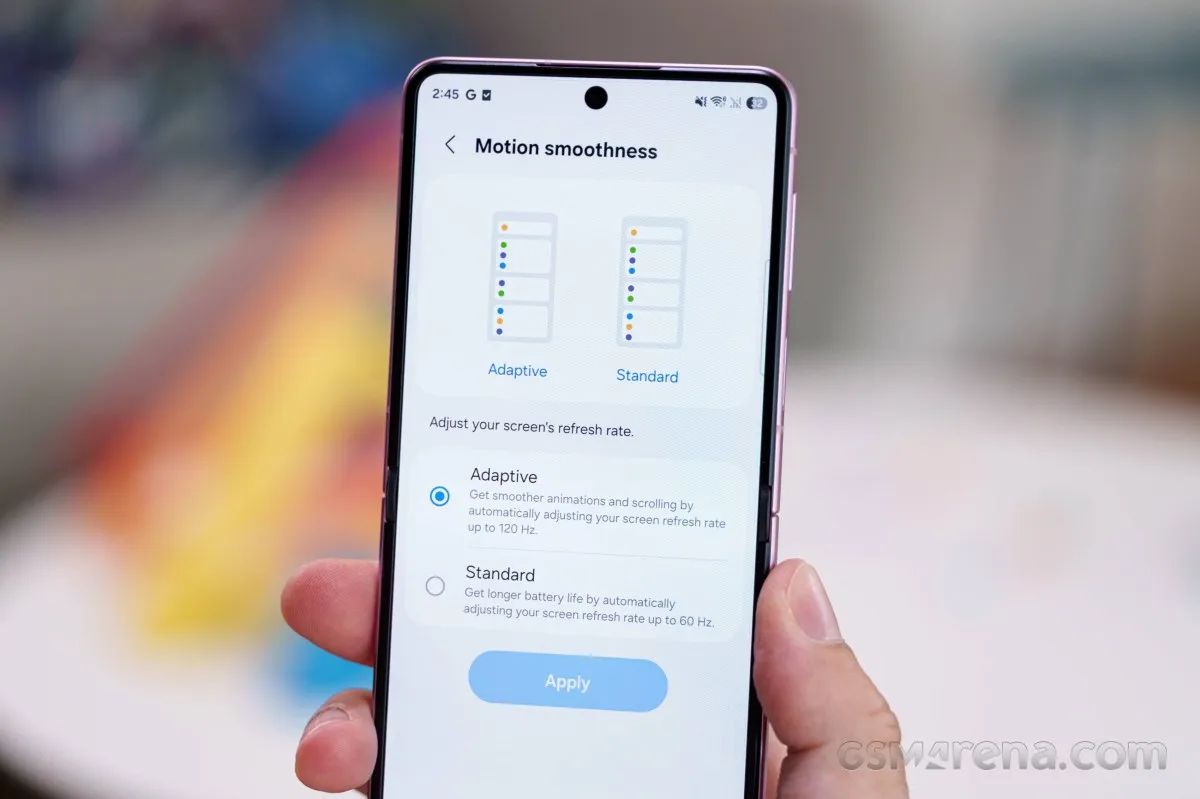
Samsung has excellent detection for the content on screen. It uses 24Hz, 30Hz, 48Hz and 60Hz for videos with 24fps, 30fps, 48fps and 60fps respectively. When idling, the screen shows - -, which means the panel is using an ultra-low power mode, probably displaying content at 1Hz.
In Adaptive mode, the general behavior is 120Hz while you are interacting with the display. Some apps are limited to a 90Hz cap for one reason or another, but most can do 120Hz just fine. In Standard, everything is capped at 60Hz, but you will see 48Hz, 30Hz, 24Hz, and 1Hz for a static picture.
The cover screen supports only 120Hz and 60Hz. If Adaptive mode is selected, it will show everything compatible at 120Hz and dial down to 60Hz for static content and video playback.
HDR and streaming
Both screens support HDR10 and HDR10+, and they are successfully recognized as such by all popular apps, Netflix included.
Battery life
The Galaxy Z Flip8 is powered by a 4,300mAh battery, the same capacity as the cell inside the Z Flip7. It's definitely not the largest battery in a compact foldable, but maybe the new Exynos chip really made a difference here because we got a superb Active Use Score of 14:14 hours, with notable improvements across all four tests since the Z Flip7. This Flip is bested only by Motorola's RAZR flagship models, which boast larger batteries.
Charging speed
The Galaxy Z Flip8 offers no improvements when it comes to the rated charging capabilities. It supports 25W wired, 15W wireless, and below 5W reverse wireless charging.
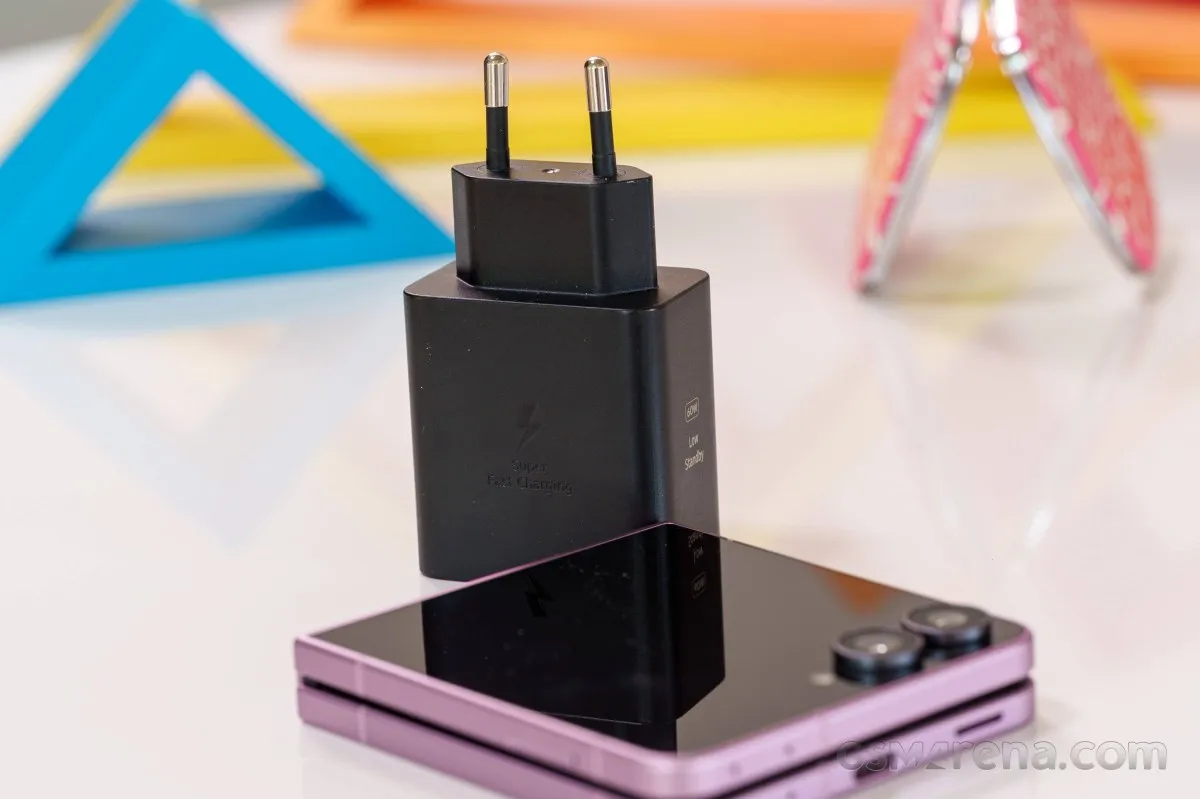
We carried out our charging test with Samsung's own 25W power adapter. It recharged 30% of the Z Flip8 cell in 15mins, 56% in 30 mins, and we got 100% on the 79min mark. That's no blazing fast, but no slouch either. In fact, it's slightly faster than the Z Flip7 with the same battery capacity.
Charging speed
- in 15 min
- in 30 min
- Time to full charge (from 0%)
Motorola Razr 70 Ultra
Honor Magic V Flip 2
Galaxy Z Fold8
Motorola Razr 70
Galaxy Z Flip8
Galaxy Z Flip7
The Z Flip8 offers a couple of battery care options, including an on/off toggle for fast charging and a battery charging limit.
Speakers
The Galaxy Z Flip8 features a hybrid stereo speaker setup. This means that you get a dedicated bottom-facing speaker and an amplified earpiece that acts as a double agent.
The setup is balanced enough and sounds quite alright.
The speakers scored Very Good in our loudness tests. Audio quality is equally solid, featuring clean bass, clear vocals, and well-defined highs.
Use the Playback controls to listen to the phone sample recordings (best use headphones). We measure the average loudness of the speakers in LUFS. A lower absolute value means a louder sound. A look at the frequency response chart will tell you how far off the ideal "0db" flat line is the reproduction of the bass, treble, and mid frequencies. You can add more phones to compare their differences. The scores and ratings are not comparable with our older loudspeaker test. Learn more about how we test here.
Software, performance
Android 17 with One UI 9
The Galaxy Z Flip8 boots the latest Android 17 out of the box, garnished with Samsung's own take on the Android experience - One UI 9.0. You can expect 7 major OS updates and security patches - the same excellent commitment Samsung flagships have enjoyed for a while now.
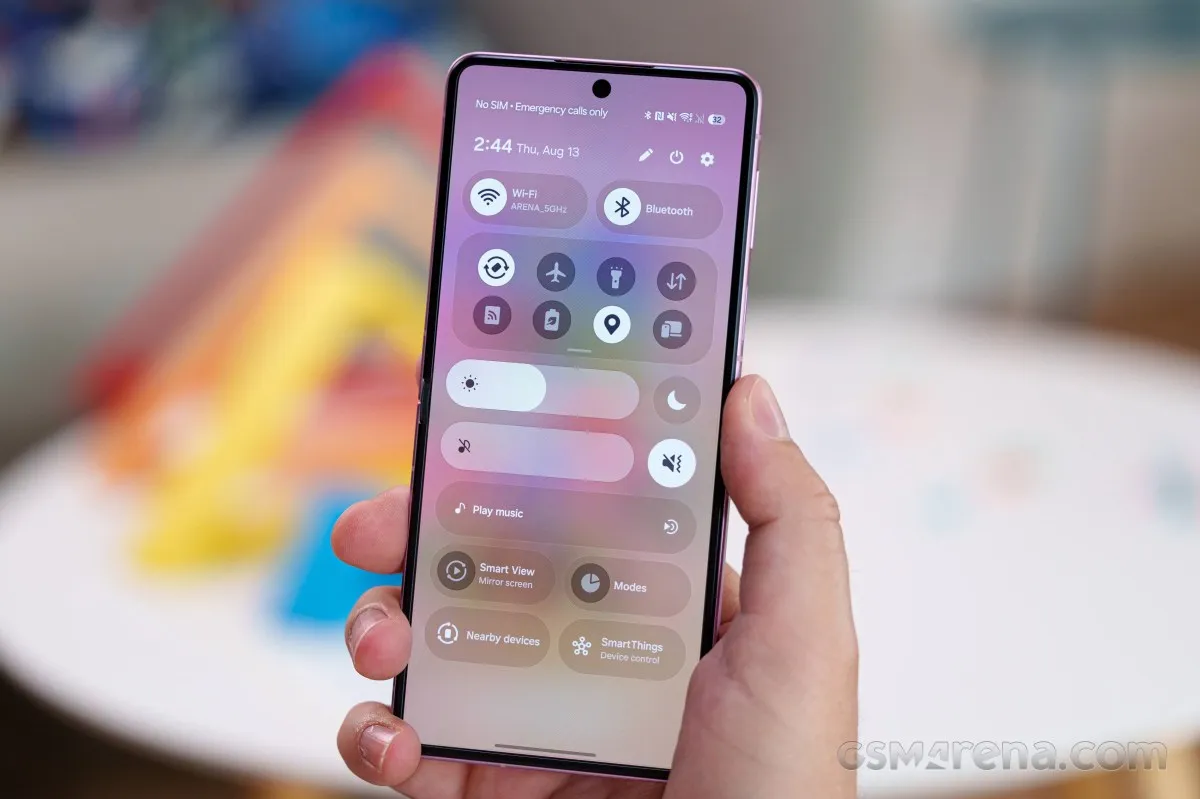
Overall, nothing really major has changed about One UI, as you will see in our One UI 9.0 video below, which lists most of the new features you can expect to see here. You can head on over to our comprehensive video overview of One UI 8.5 for a deeper dive.
Starting with the overall UI, it all looks very familiar, but just a bit "tidier" and "cleaned up" here and there. For example, the brightness and volume sliders in the Quick Toggles pane appear to be a bit thicker and easier to use by default. They are also quite customizable; you can even have them placed vertically.
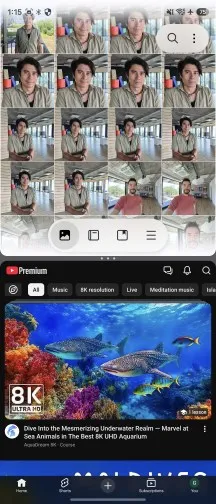
Multi-tasking is available - you can use split-screen or pop-up window, or even all three of them at once.
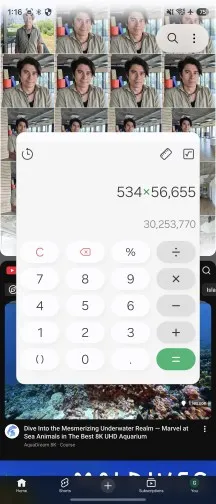
You might remember how the Galaxy AI menu had extensive text descriptions attached to every item, which made things a bit overwhelming at first glance. Those are now gone, with any additional text relegated to the bottom of the menu. It's small touches of polish like that.
An entirely new addition we noticed is the Warranty and Care menu in settings. It is very convenient. What it does is gather all of the Samsung devices logged under your account into one hub. From here you can view some info, including warranty and quickly try to fix issues and troubleshoot things.
Now let's talk Galaxy AI. Call Assist isn't new, but it only used to have Call screening and Live translate. Now there is a Call brief option. If you opt in, it listens to your calls carefully, and if it picks up on any information it potentially has relevant details on, like you start discussing an event that happens to be in your calendar, it will automatically pop up the info right in your active call screen.
Call briefing
Speaking of "briefings", Samsung's Now Brief - the already highly-customizable feed has gotten even more personal with the addition of custom cards. These are AI-powered, which is probably why the system currently limits you to only three at a time, and there are also some limitations on how often you can create and edit prompts for the cards.
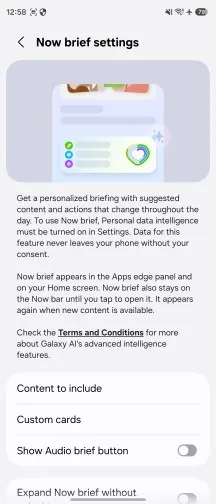
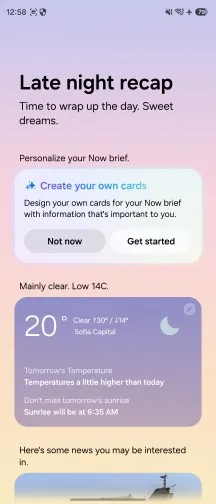
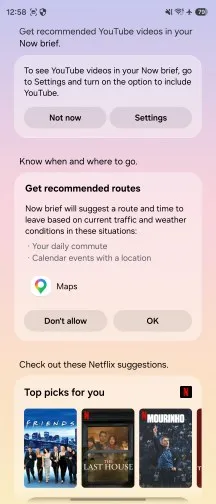
Currently, the feature has its "sources" organized in three categories - Weather, Health and Videos. These broadly determine where the data will be pulled from. Some sources might require additional permissions to communicate with third-party apps like YouTube. We were able to very effortlessly create a tailored feed of GSMArena YouTube videos only related to Samsung. It's a pretty good idea, especially if it grows in scope.
Bixby, now featuring with Perplexity access, has new widgets. These are mostly meant to offer quick access to voice prompts as well as chat history and act a lot like Gemini's similar interfaces.
Driving report seems to be something new we haven't seen before. It is curated in the Connected devices menu. What it promises is to log all of your car trips and various telematics automatically. All you have to do is select your car's Bluetooth connection so it can identify it and, of course, give the app a lot of permissions.
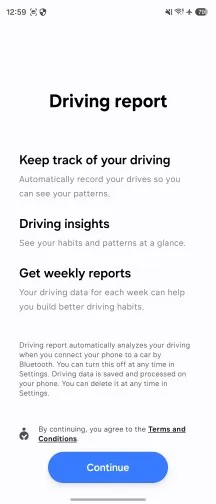
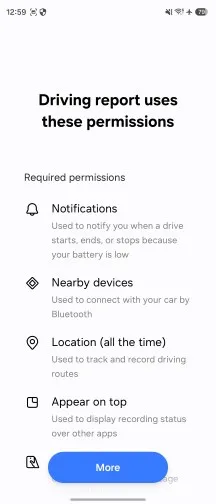
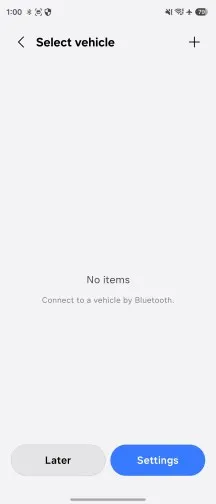
My FanCam is a new addition to the Galaxy AI roster. It is an AI-backed auto-framing and zooming video editor. It works on any video (seems to require HEVC encoding), not just the ones captured by the phone, which is great. You just select a person (it has to be a person as far as we can tell) and then the AI analyzes the following video frames and re-crops things so that the person stays in frame. It is even smart enough to recognize events like a ball being thrown and going inside a hoop so it can follow that action as well. It works surprisingly well.
Now Nudge can now be found in more scenarios than just your keyboard while typing. You will find it hovering over your chat in the bottom-right corner or offering quick access to an app right from the notification card.
Advanced Automation helps you do stuff without leaving the app you are using. Samsung calls it that because you can simply ask the AI to look for relevant bookings while looking at a nice photo on Instagram. Gemini AI will understand which place on the screen is being shown and will suggest bookings for that area.
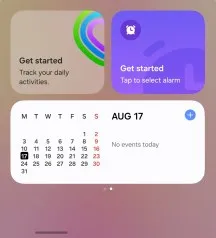
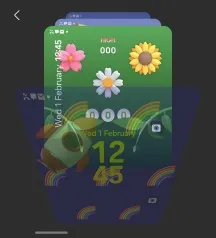
Now, the Z Flip8 has the same cover screen as the Z Flip7. It's still a widget-based interface with, admittedly, plenty of capabilities when it comes to operating basics like weather and calendar, there's good notification handling and the ubiquitous Gemini assistant can be summoned without opening the phone.
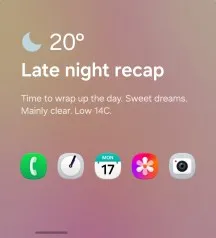
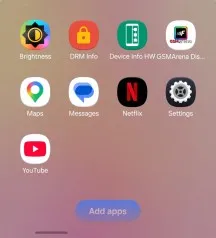
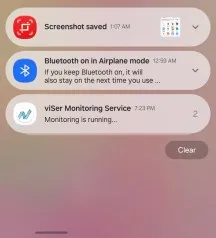
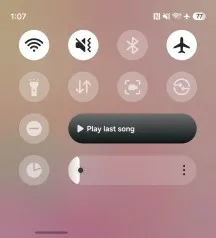

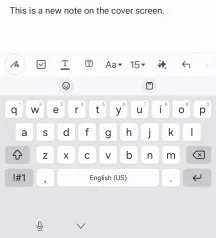
Plenty of apps are supported on the cover screen, if not all. But not all of them are optimized for this ratio and resolution. We guess you have to find which one looks good the hard way - by trial and error.
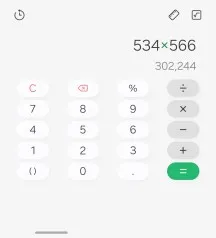
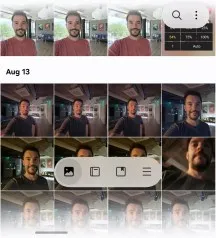
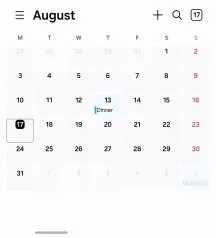
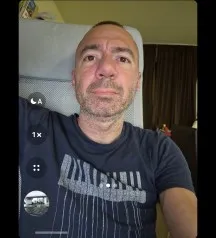

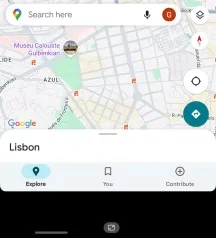
Finally, you can also set optimized widgets and homescreens on the cover screen.
Performance and benchmarks
The Galaxy Z Flip8 is the only new Samsung foldable to feature different chipsets depending on the region, similar to the Galaxy S26, for instance.
The Galaxy Z Flip8 utilizes the Snapdragon 8 Elite Gen 5 for Galaxy in the US, Canada, and China, and the Exynos 2600 chipset in the rest of the world (including our review unit).
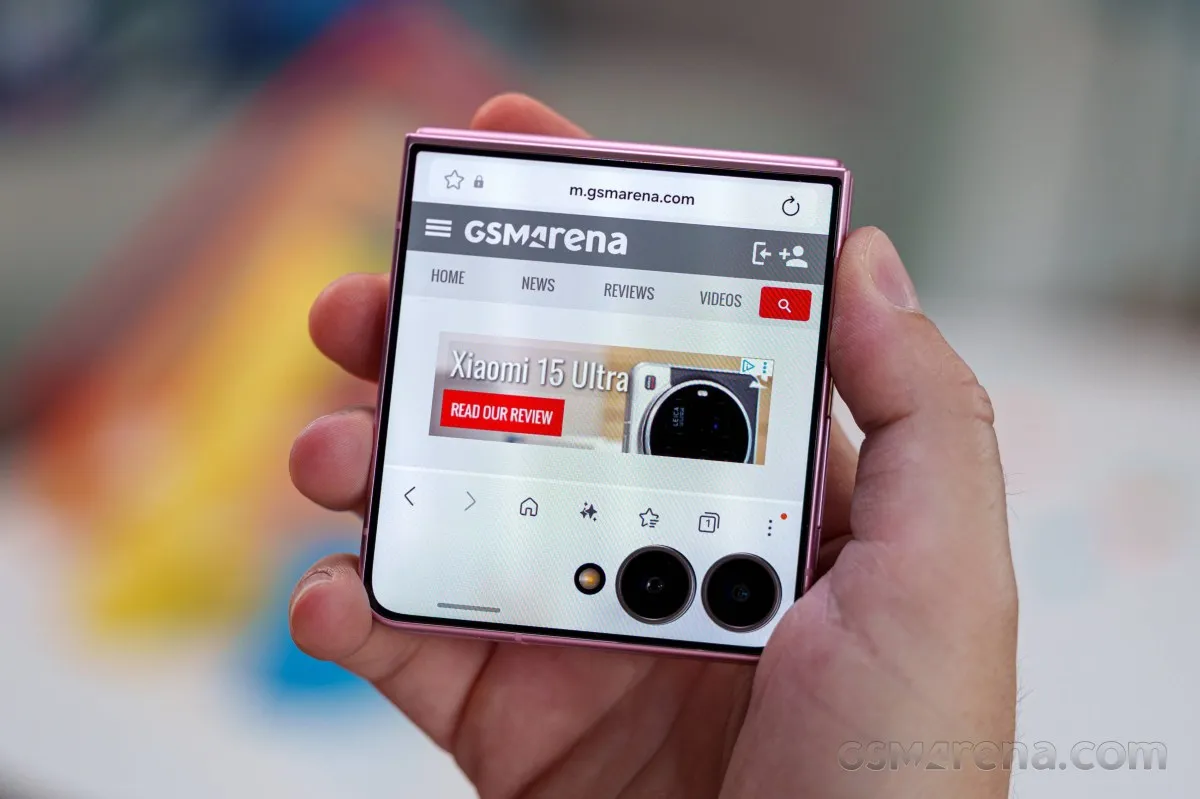
The Exynos 2600 is a top of the line chip manufactured on a 2nm process and designed with a strong focus on accelerating AI workloads while improving efficiency.
The chipset relies on the latest ARM CPU architecture and adopts an interesting 10-core configuration (1x3.80GHz C1-Ultra & 3x3.25GHz C1-Pro & 6x2.75GHz C1-Pro). Instead of the traditional big-middle-little cluster arrangement, Samsung replaces the small efficiency cores with mid-tier cores, aiming to deliver better sustained performance while maintaining high efficiency for lighter tasks. According to Samsung, the new CPU delivers up to 39% higher computing performance compared to its Exynos 2500 predecessor (Z Flip7).
Xclipse 960 is the GPU, which promises a major leap forward as well. Samsung claims up to up to 39% computing performance, along with as much as 50% better ray tracing performance compared to the Exynos 2500.
AI processing is handled by a significantly upgraded NPU, which Samsung claims offers up to 113% higher AI performance.
The Z Flip8 base configuration now starts at 12GB/256GB, while 12GB/512GB option is available, too. The storage uses UFS4 chips.
The Galaxy Z Flip8 may be using one of the most powerful chips on the market, but it has been severely limited by its foldable design and lack of proper heat dissipation and cooling. Even in quick benchmarks that last less than 5 minutes, you can see it is trailing behind similar phones like the S26.
GeekBench 6
- Single-core
- Multi-core
Galaxy Z Fold8
 Galaxy S26
Galaxy Z Flip8
Motorola Razr 70 Ultra
Galaxy S26
Galaxy Z Flip8
Motorola Razr 70 Ultra
 Motorola Razr Fold
 (cover)
Honor Magic V Flip 2
Galaxy Z Flip7
Galaxy Z Flip7 FE
Motorola Razr 70
Motorola Razr Fold
Motorola Razr Fold (cover)
Honor Magic V Flip 2
Galaxy Z Flip7
Galaxy Z Flip7 FE
Motorola Razr 70
GeekBench 7
- Single-core
- Multi-core
Galaxy Z Fold8
Galaxy S26
Galaxy Z Flip8
AnTuTu
- v10
- v11
Galaxy S26
Motorola Razr Fold (cover)
Motorola Razr Fold
Honor Magic V Flip 2
Motorola Razr 70 Ultra
Galaxy Z Fold8
Galaxy Z Flip8
Galaxy Z Flip7
Galaxy Z Flip7 FE
Motorola Razr 70
3DMark
- Wild Life Extreme (Highest)
- Wild Life Extreme (Lowest)
- Solar Bay (Ray Tracing)
Galaxy S26
Galaxy Z Flip8
Galaxy Z Fold8
Motorola Razr 70 Ultra
Galaxy Z Flip7
Motorola Razr Fold (cover)
Honor Magic V Flip 2
Motorola Razr Fold
Galaxy Z Flip7 FE
Motorola Razr 70
Overall, the Galaxy Z Flip8 features one of the most powerful mobile platforms right now, but it will never utilize its full potential.
And this is quite obvious on the stress tests, where the CPU has lost more than 50% of its power in less than 5 mins. The GPU situation is even worse, with about 65% performance loss after the first 3-5 mins.
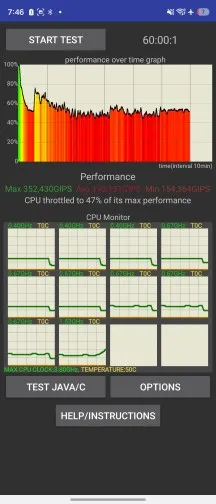
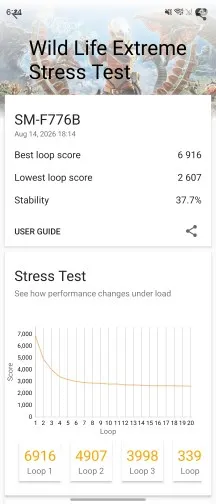
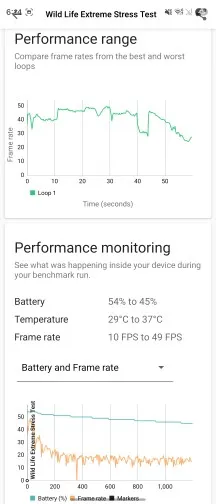
This poor thermal performance raises the question of whether it was even worth putting a flagship chipset in such a thermally constrained design. The Exynos 2600 certainly appears handicapped inside the Flip8. It still provides great burst performance, AI capabilities and connectivity, though, so this approach isn't without its benefits.
Camera, photo and video quality
Not much has changed with the Flip's camera system
The Z Flip8 doesn't really bring any hardware upgrades to the camera system. It's a midrange-grade setup - there's a decent main camera on the back joined by a so-so fixed-focus ultrawide, plus a smallish sensor internal selfie camera (also fixed focus). That's pretty much what you'd expect from a Galaxy clamshell.
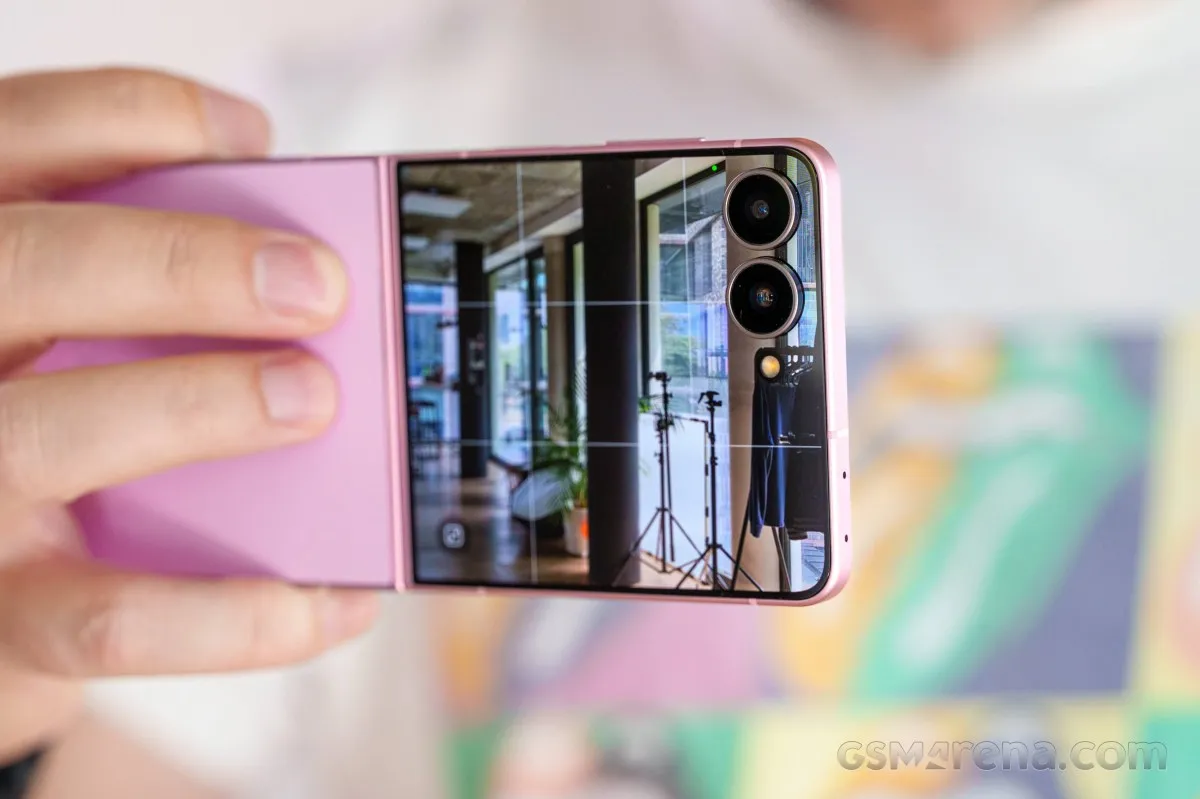
The main camera is shared with the Z Fold8 (non-Ultra) and it's also what we saw on the vanilla S26. An in-house GN3 sensor with a 1/1.56" optical format (or 1/1.57" depending on the source), a 50MP nominal resolution, and a 1.0µm pixel size is paired with a wide 23mm lens.
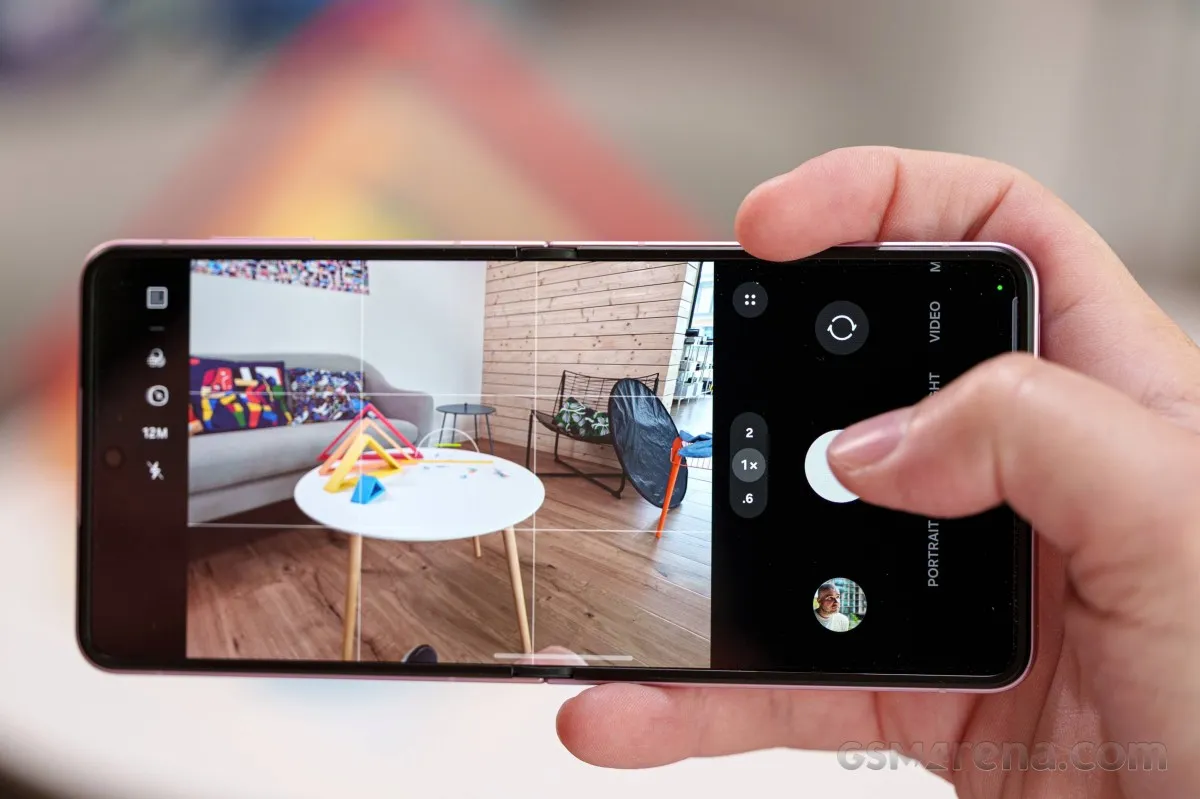
For the ultrawide, Samsung chose not to fit one of the Folds' 50MP AF-capable modules and is instead persisting with a fairly ancient conventional RGB 12MP sensor behind a fixed-focus lens. At least it's a very wide lens.
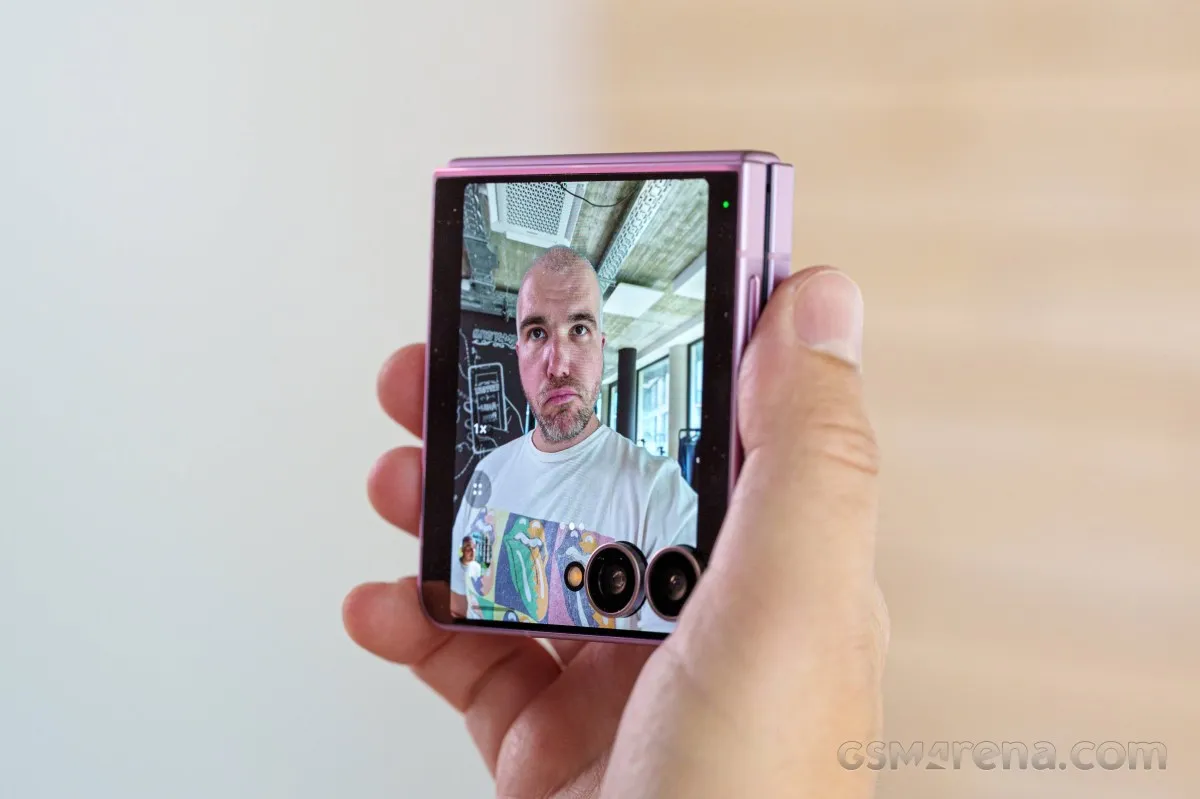
On the inside, there's a 10MP selfie camera that's not too exciting when it comes to specs. Then again, we've seen it punch above its weight, plus will you really use the internal camera for selfies on a Flip?
- Wide (main): 50MP Samsung ISOCELL GN3 (S5KGN3, 1/1.56", 1.0µm-2.0µm); 23mm, f/1.8, OIS, dual-pixel PDAF; 4K60 video recording.
- Ultrawide: 12MP (1/3.2", 1.12µm), f/2.2, 13mm, fixed focus; 4K60.
- Internal camera: 10MP (1/3.52", 1.12µm); 23mm, f/2.2, fixed focus; 4K60.
You also get a well-thought-out cover screen camera interface, where you can switch modes and operate zoom and whatnot. Other form-factor-related modes are also available, with a dedicated UI for waist-level or overhead shooting, plus a camcorder mode for video (with a new zoom rocker implementation).
Daylight photo quality
Main camera
The main camera of the Z Flip8 captures good images in daylight - it's nothing special, but it's no letdown either. Detail is generally very good, though we did occasionally observe seemingly random areas of softness, mostly in vegetation - it shouldn't be motion blur, looking at the shutter speeds, and it doesn't look like those areas are out of focus either. We wouldn't necessarily say it's an issue, though. Of course, you can expect a wide dynamic range and a pleasing color rendition with dependable white balance.








Human subjects are rendered well in Photo mode, with lifelike skin tones and very good facial detail. Portrait mode renditions aren't half bad either.








Outdoor shots taken in 50MP just might hold some extra detail, but in dimmer indoor settings things are looking notably softer.




2x zoom photos from the main camera are quite good too, with some caveats. Here too, indoor scenes will tend to be less good, and in outdoor scenes we also saw some of that random softness. Overall, though, not too bad.








With the lack of autofocus on the ultrawide, it's the main camera that will be your best bet for close-ups, particularly at 2x zoom, so that you can get the highest subject reproduction. We'd call the results decent, but not exactly exciting.




2x headshots are actually quite good, though - facial detail is alright, the tighter framing makes them look more like 'portraits', and the Portrait mode looks reasonably well too.








Ultrawide camera
The ultrawide camera's unassuming hardware produces very good results, all things considered. The one sort of major downside is the fixed focus, which means you'll get blurry shots of nearby subjects, but with more distant subjects you can expect plenty sharp photos. Dynamic range is good, colors are on point.


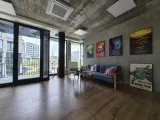





Selfies
The Z Flip8's internal camera captures excellent selfies. Sharp and detailed, they also have wide dynamic range and likeable colors. The one area where this camera falls short is close-ups - its fixed focus means you'd better stick to arm's-length shooting distances in order to have your face in focus.








For vastly better results at close range and improved background separation, you'd be wise to shoot on the main rear camera - it does deliver in those areas, and it's generally better overall. And yes, the Flip is a lot easier to operate for rear-camera selfies than the larger Folds.




The ultrawide is also focus-challenged, which is a bummer - its exaggerated perspective would go well with closer subject distance, but as it stands, it's mostly good for including a lot of context and less so for silly angles.




Low-light photo quality
Main camera
Low-light photos from the main camera are alright and in line with Samsung's recent processing habits. What we mean by that is liberal amounts of noise and a relative softness to go with the natural detail rendition. Dynamic range is quite excellent, white balance shows no odd tendencies and colors are looking great as well.








If you choose to force Night mode (available through the in-house Camera Assistant add-on) you can expect a bit less noise and heavier sharpening, too heavy sharpening, perhaps. For what it's worth, the Flip's Night mode doesn't suffer from the skewed colors and night sky brightening that we saw on the Folds.




The full-auto 2x photos are hardly perfect, but we'd say they're actually pretty good for the class. Processing is pretty lax, there's a bit of noise, contrast is on the low side of average and yet as a whole and in context, the photos aren't half bad.








Night mode may improve contrast and sharpness in some scenes, without looking as overdone as it does at 1x. It's probably a good idea to make it a point to shoot in Night mode at 2x.




Ultrawide camera
The ultrawide's low-light shots are quite unremarkable, being just generally soft and noisy, and somewhat washed out.








Night mode livens things up considerably, improving contrast and saturation, but also sharpness. Again, you should probably do the extra steps and get Night mode going on the Flip.




Photo quality verdict
Samsung isn't really making any major strides in the Flip's stills camera performance - any strides whatsoever, actually. The Z Flip8 takes decent photos in most conditions, without really striving for anything beyond good enough. You can expect solid performance during the day throughout the zoom range, and the low-light results, while not exactly convincing, are also decent, particularly if you play around with Night mode. Rear camera selfies are great as expected, as are the internal camera selfies.
Video quality
The Z Flip8 has most of the video features you can expect from a high-end Galaxy these days, but it's still a few things short of the Folds' all-out spec. What you'll be missing on the Flip is 8K resolution, framerates above 60fps (100 and 120fps are available on the Fold8s and the S26 Ultra), and the APV codec (the Samsung-developed pro-level one), but the rest is still here.
In the regular Video mode, the phone can record up to 4K60 with all three cameras, and the Pro video mode unlocks 24, 25, 48, and 50fps options as well. The out-of-the-box setting for the video codec is h.265 (HEVC), but you can opt for the older and less efficient h.264 codec.
There's an option for 10-bit HDR10+ recording, as well as a Log option that can be enabled for both Pro video and regular Video mode, complete with a selection of pre-loaded LUTs. In Pro mode you also get finer control over focus and exposure (complete with zebras and false color aids), plus mic directionality settings and audio level indicators.
Video stabilization is available in all modes on all cameras, and you can disable it in settings if you have other ideas on how to stabilize your footage. Horizon lock mode is available too, and Samsung thinks it pairs well with using the Flip in 'Camcorder mode' - the handset half folded and held like a 90s camcorder. Speaking of camcorder mode, when you're in that mode, you can now switch the regular zoom control to a zoom rocker and get sort of smooth zoom action.
You can hit '> play' below and use the '>| next' button to advance through the playlist of all video samples, or you can watch the full playlist on YouTube.
Main camera 4K clips in daylight are pretty great. Sharpness is very good, dynamic range is excellent, colors are hard to fault (might be a little warm-ish leaning, but in a good way?). 2x footage is fairly okay too. The ultrawide's results are quite close in their overall presentation to the main camera's clips, and they're alright on a pixel level - not the sharpest around, but not too bad either.
At night, the phone exposes brightly, which is a good thing, we reckon - it does mean blown highlights but it also means a generally likeable image where you don't have to squint to see in the shadows. Sharpness is decent, colors are good. The ultrawide's footage also adheres to the same exposure principles, but it's softer than we'd like - usable, perhaps, but barely.



Stabilization is very good on the Z Flip8. Both rear cameras produce nicely stable footage when just pointed in one direction and they also pan smoothly. The phone does well to compensate for walking shake too, no complaints.
Video quality verdict
The Z Flip8 is a decently well-equipped camcorder - it does have camcorder mode, of course, but gimmicks aside, it can do 4K60 with all cameras and has most of the advanced functionality of the higher-tier models (no APV codec, and no 4K120 or 8K30 though). The final video quality comes with no major drawbacks and you can expect very good main camera and ultrawide clips in daylight and good 1x clips at night, all of those being quite well stabilized.
The competition, our verdict, pros and cons
The competition
The Galaxy Z Flip8 turned out to be a solid compact foldable with excellent screens, powerful hardware and good cameras. Little has changed since the Flip7, though, and the launch price is quite steep. The phone, however, has already seen a significant price drop to as low as 870€, which is quite unusual, as this process usually takes months.
We were going to suggest considering the Galaxy Z Flip7 as an alternative, but in Germany the price difference between the two is less than 10% already. If you can find the Flip7 considerably cheaper, it will be a much better deal.
Motorola's Razr 70 Ultra is another great clamshell foldable. However, with the recent shift in Z Flip8 pricing, the Moto is already €500 more expensive, so it simply doesn't make much sense to include it in this comparison.
Instead, you could go for the Razr 60 Ultra, which offers the same standout luxurious design, higher-resolution cameras, similar battery life, class-leading charging speed - and even the same chipset. Yes, much like the Z Flip8, this year's Motorola Ultra flip-style foldable didn't bring many changes over last year's model.
Looking at the lack of meaningful upgrades from either camp this year, maybe flip phones already peaked in 2025, and we just didn't notice.
Our verdict
We liked the Galaxy Z Flip8. It's a premium clamshell foldable with a comfortable grip, intuitive ergonomics, and a satisfying, snappy feel whenever you open or close it.
The Z Flip8 delivers a great user experience, complete with top-tier displays, a refined hinge mechanism, robust connectivity, solid battery life, and powerful silicon.
However, Samsung left the camera hardware largely untouched. While image quality remains decent, it falls short of being impressive. Low-light performance and video stabilization still show obvious room for improvement - issues that have persisted for a couple of generations without meaningful upgrades.
While the 2026 chipset is a welcome addition, Samsung's chip segmentation remains frustrating. Furthermore, the compact clamshell form factor makes efficient heat dissipation nearly impossible, leading to noticeable thermal throttling.
Ultimately, despite these shortcomings, the Galaxy Z Flip8 is very well positioned against the competition with its recent price drop to under €900 and is a great foldable that's definitely worth considering.
Pros
- Compact and lightweight, IP48, Victus 2 cover panels.
- Bright displays, HDR.
- Improved hinge.
- Great battery life.
- Dependable cameras.
- Powerful hardware.
Cons
- Barely any major upgrades compared to the Z Flip7.
- Heavy thermal throttling prevents the chipset from showing its best performance.